Your paperwork, run like the GC’s.
If a general contractor just collected your insurance certificate through PaperForeman, here’s the same tool for your side of the job: extras signed before you do them, invoices paid from the email, and your own subs’ certificates kept current.
Step by step
What you tap, what the other person sees, and what happens after.
You
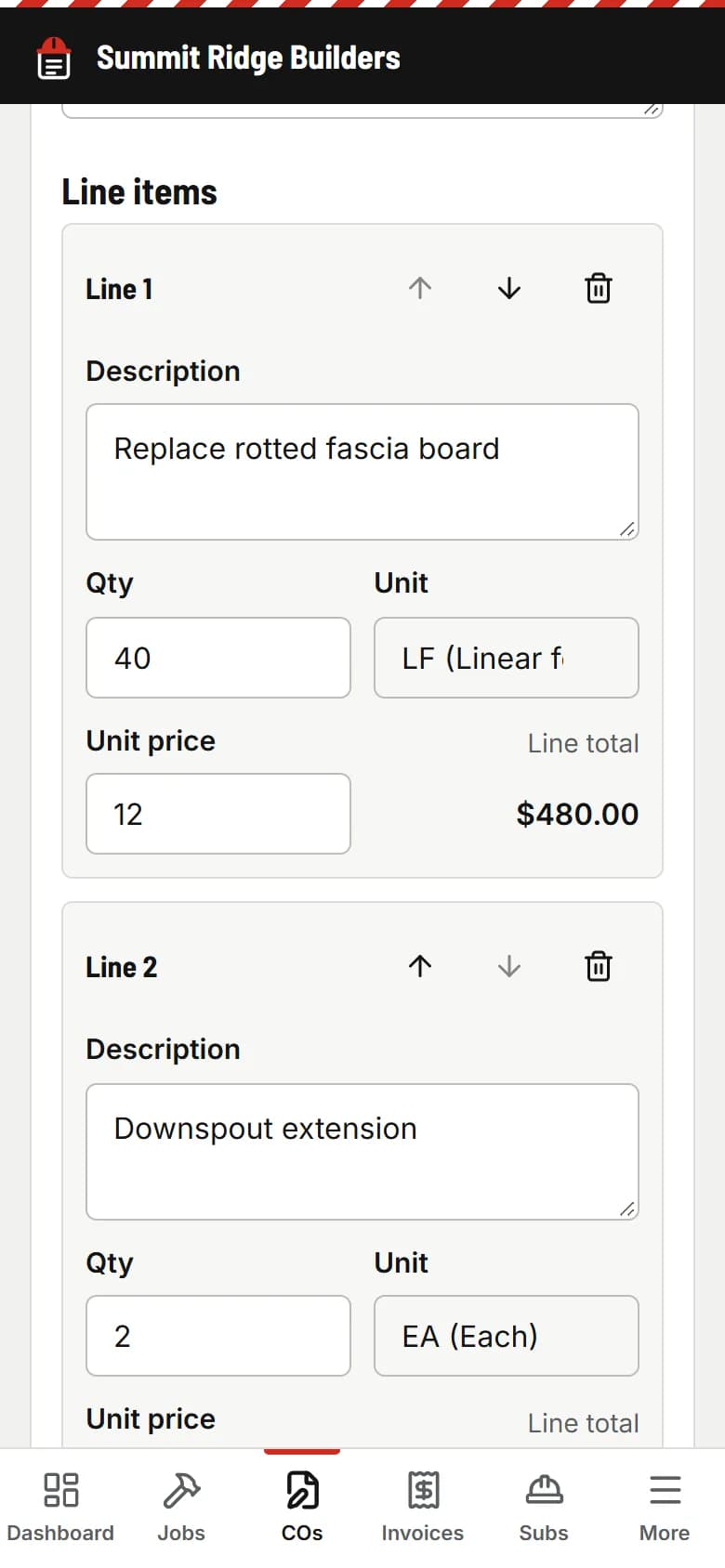
Write the extra on your phone
The GC asks for one more circuit, another sheet of drywall, a change to the layout. Write the change order in about a minute, standing right there.
The GC or homeowner
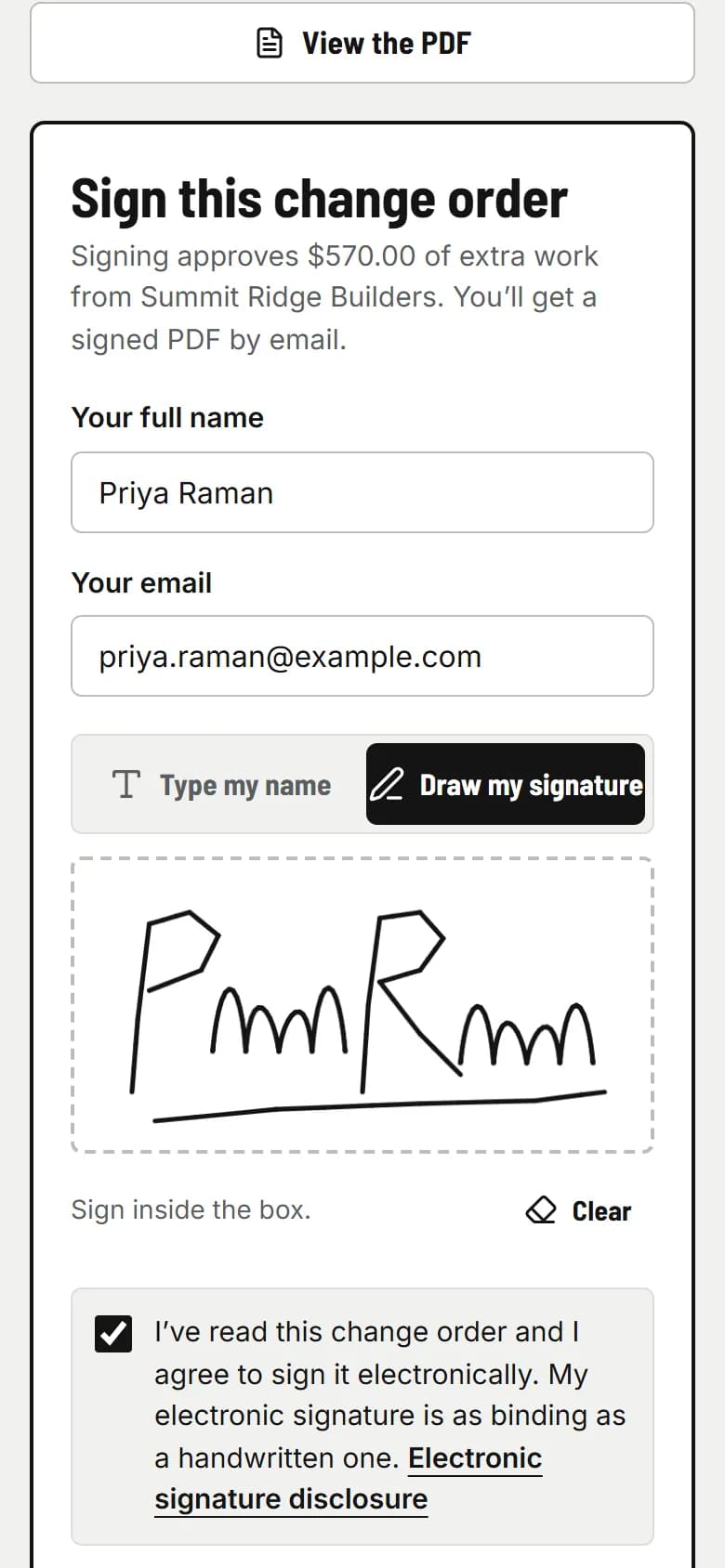
They sign before you do the work
They get an email, read it and sign with a finger. You both get the signed PDF, and the extra goes on your next invoice.
The GC or homeowner
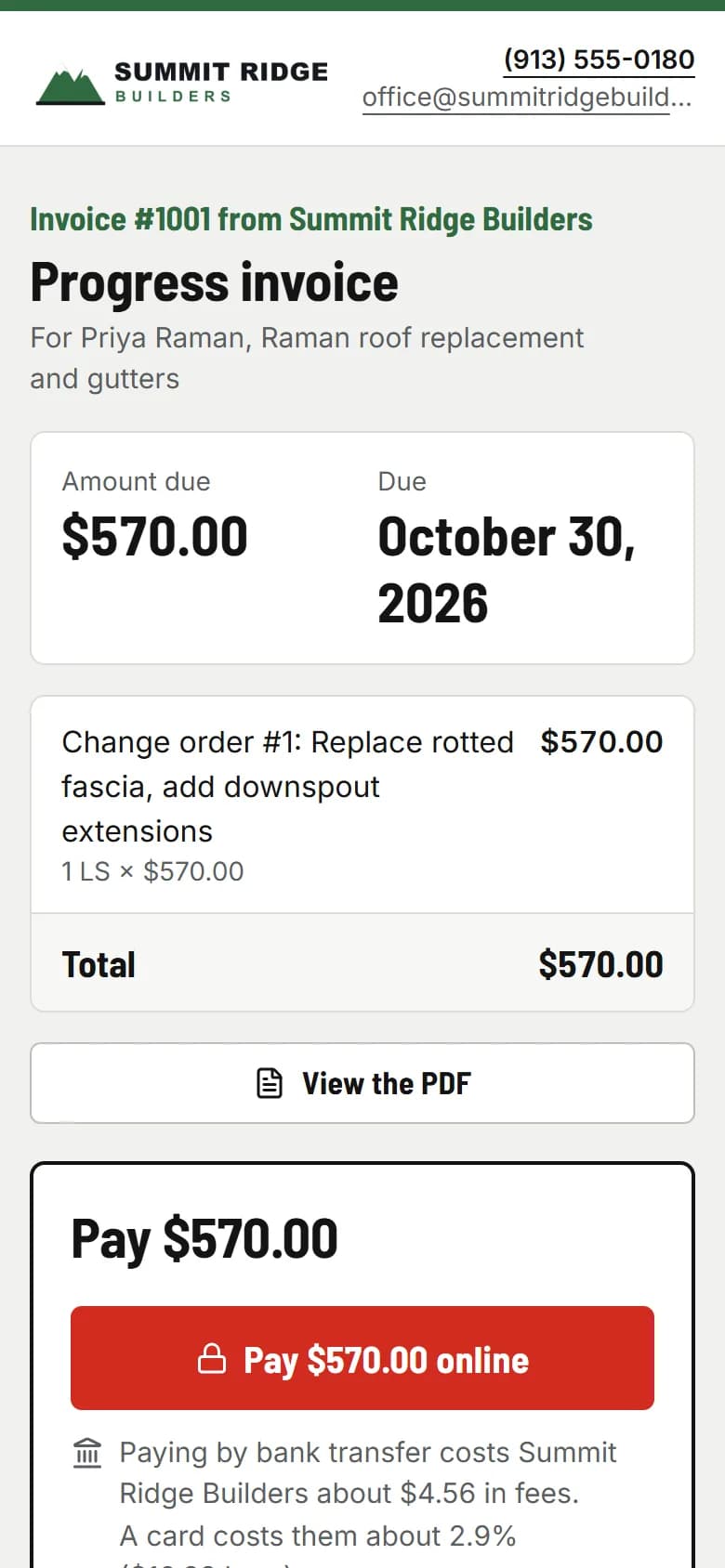
They pay from the email
Bank transfer costs you 0.8%, never more than $5, through your own Stripe account. Or card, or your own payment link. Reminders go out 3, 7 and 14 days past due.
You
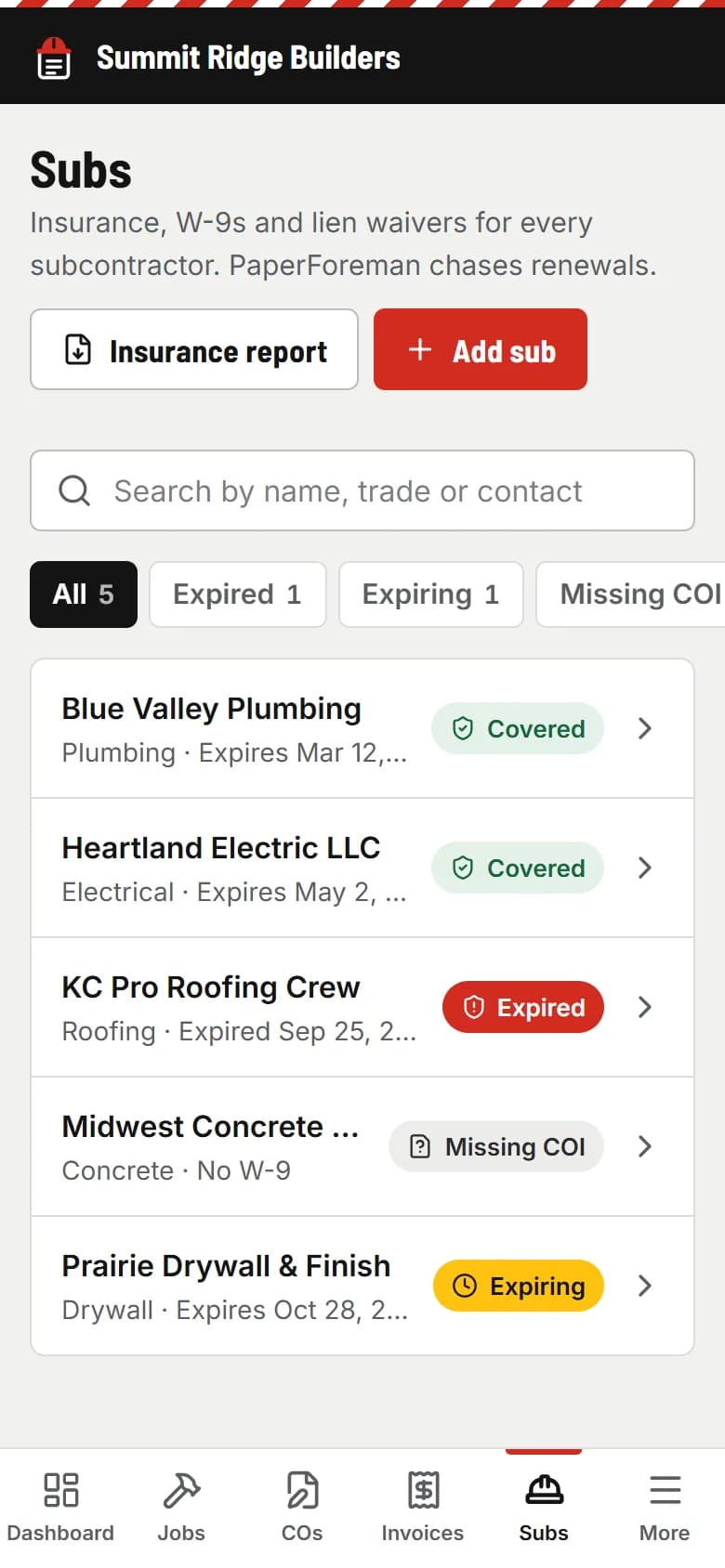
Keep your own subs covered
Got a second-tier sub or a helper crew? Add them and they get an upload link like the one you just used. PaperForeman reads their certificate and reminds them before it runs out.
Questions subs ask
Can a subcontractor use PaperForeman?
Yes. PaperForeman works the same for a sub as for a general contractor: change orders the GC or homeowner signs on their phone, invoices they pay from the email, and certificates collected from your own subs. $149/month flat for your whole crew, 14 days free.
Who signs my change order: the GC or the homeowner?
Whoever approves the extra work. Type their email when you send it. They read it and sign on their phone or computer, and you both get the signed PDF.
Does the GC need to use PaperForeman too?
No. The GC, homeowner or property manager gets an email with a link. No account, no app, no password.
Do I have to use Stripe, or can I use my own payment link?
Your choice, per invoice. Connect Stripe in a few minutes (Settings → Payments) and clients pay by card or bank transfer right on the invoice. The money goes to your Stripe account and Stripe’s fees apply: about 2.9% + 30¢ for a card, 0.8% capped at $5 for a bank transfer. PaperForeman takes no cut. Or paste your own payment link, or show check and cash instructions. You can offer all three.
Are e-signatures legal?
Yes. In the U.S., the federal ESIGN Act and the UETA (adopted by almost every state) treat an electronic signature like a handwritten one for most business paperwork. PaperForeman records the signer’s consent, name, email, time, IP address and device, and seals the PDF with a SHA-256 fingerprint on a signature certificate. This isn’t legal advice: have your attorney review your change order terms.
See the real thing
A signed change order from the demo company: the work, the price, the signature and the certificate page with the audit trail.
Sample signed change order (PDF)Get the extra signed. Then do it.
Try it free for 14 days. Set up takes about ten minutes, from your phone.
Try it free. No card until you send your first document. $149/month after the trial. Cancel anytime from Billing.