Say what happened. Get the paperwork drafted.
Type “Raman roof: 40 feet of rotted fascia at $12 a foot” or forward the client’s email. AI Assist turns it into a change order, invoice, payment or document request for your real job. You check it and tap Send.
Step by step
What you tap, what the other person sees, and what happens after.
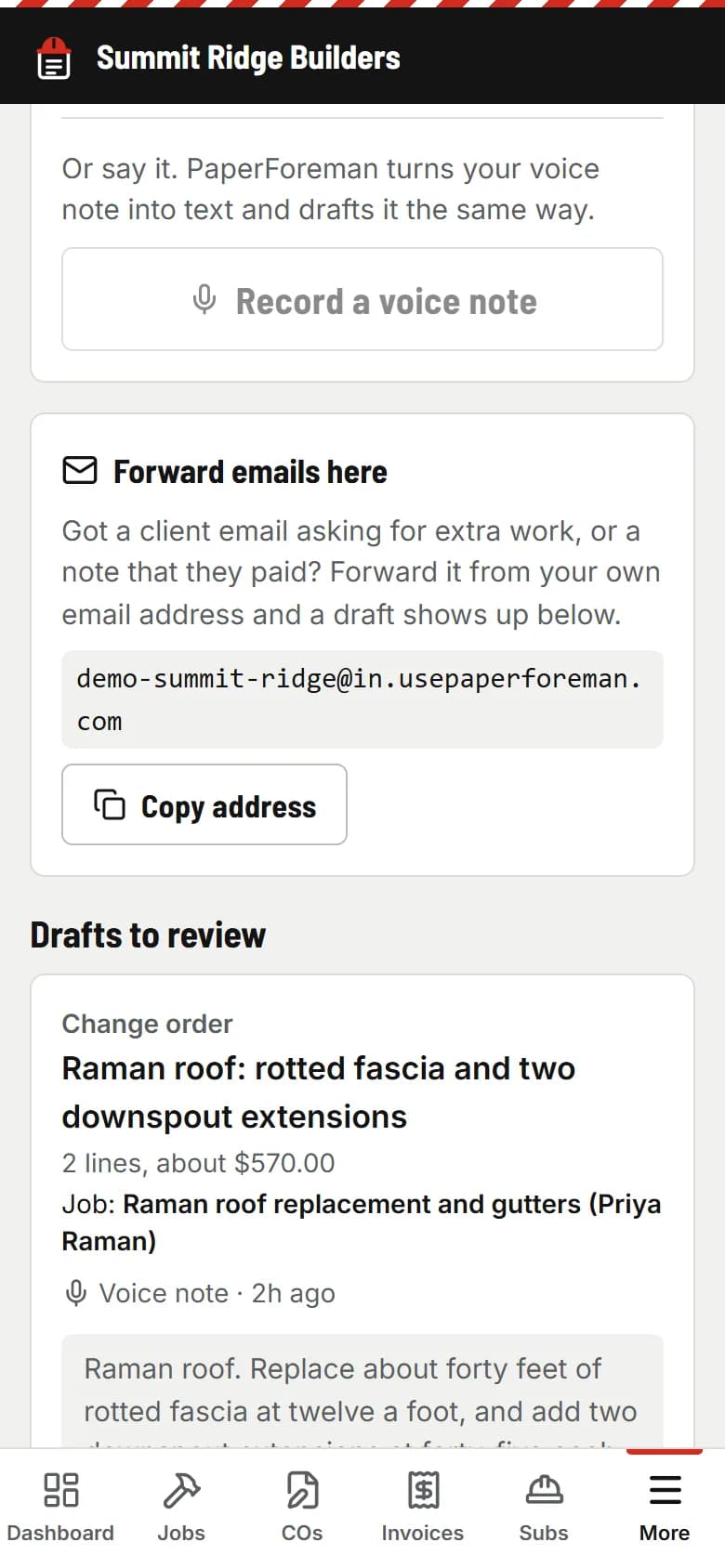
You
Tell it like you’d text your office
Type a note in AI Assist, or forward an email to your own PaperForeman address: a client asking for extra work, or a “we sent the check” message.
- usepaperforeman.com/ai-assist
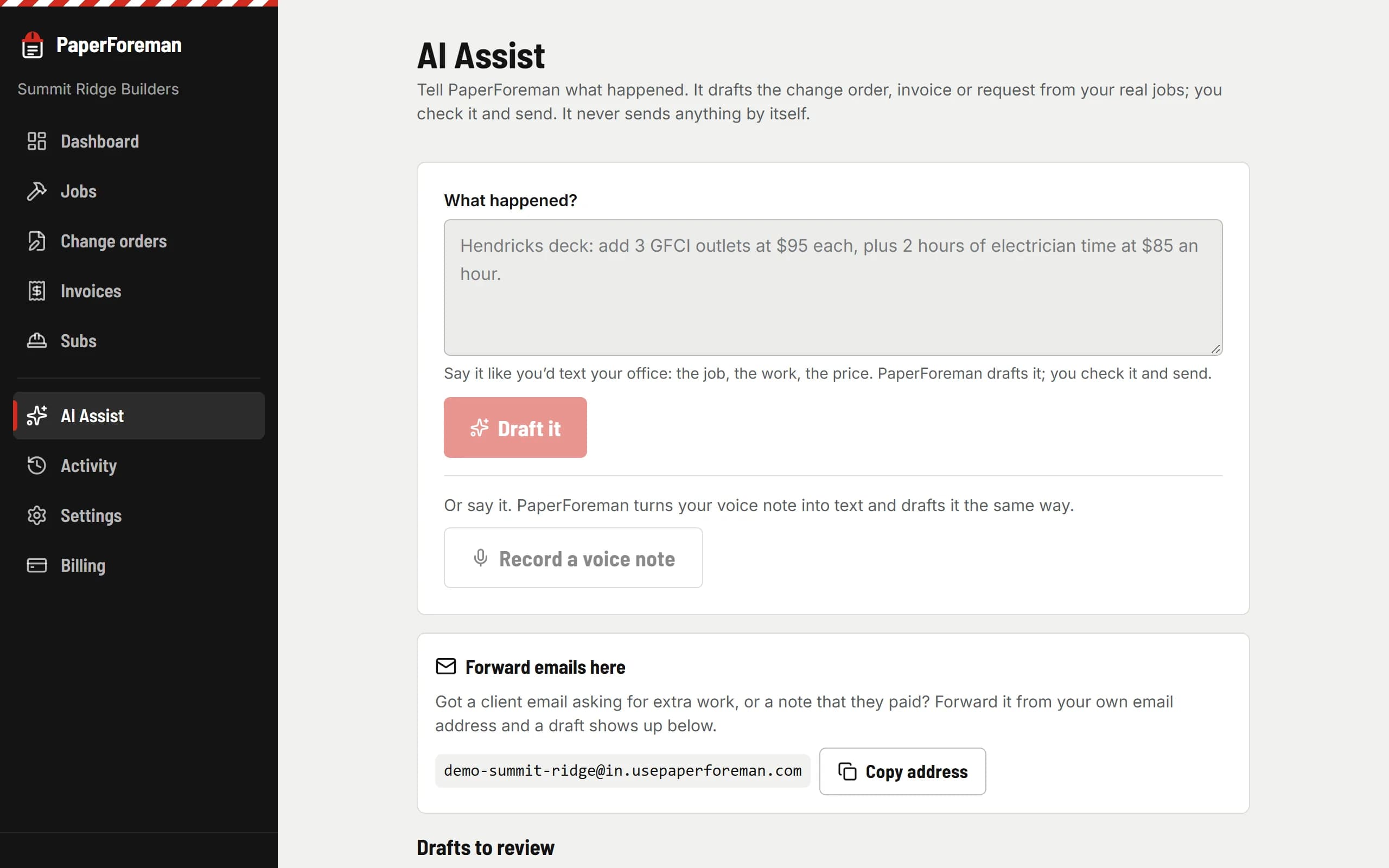
PaperForeman
It drafts it from your real jobs
It works out what kind of paperwork it is, matches the job, client or sub from your own list, and fills in the lines and prices you said. If it isn’t sure, it leaves the field blank rather than guess.
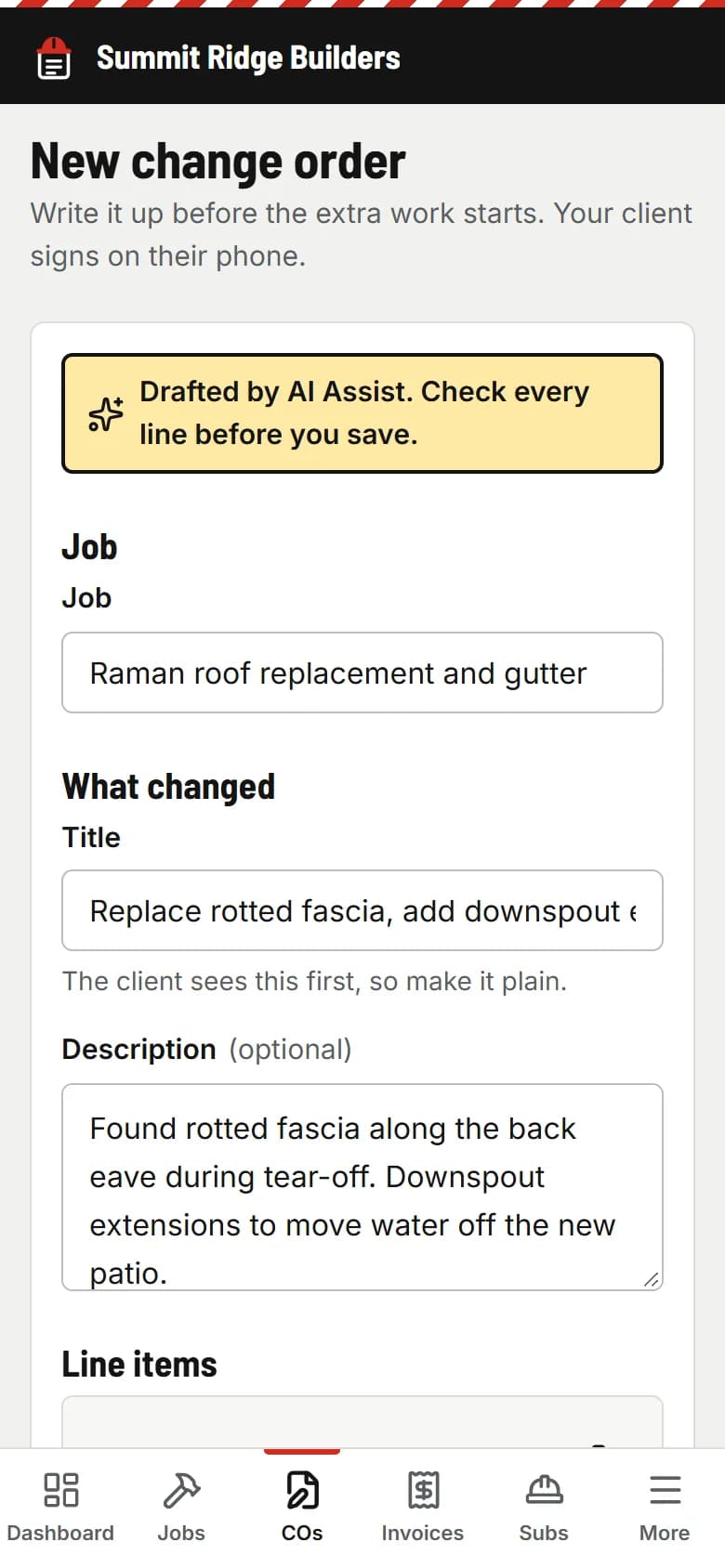
You
Check it, then send
Review opens the normal form, already filled in. Fix anything, then save and send like always. Nothing goes to a client until you tap Send.
It drafts. You decide.
AI Assist never sends, signs or records anything on its own. Every draft waits in your queue until someone opens it, checks it and saves it.
Forwarding is locked to your team
Only email forwarded from your team’s own addresses is read. Mail that fails the sender check is ignored, and your forwarding address can be swapped for a new one in Settings any time.
See the real thing
Drafts become the same paperwork as everything else. Here’s a signed change order from the demo company.
Sample signed change order (PDF)Do the paperwork in the time it takes to say it.
Try it free for 14 days. Set up takes about ten minutes, from your phone.
$149/month after the trial. Cancel anytime from Billing.