One day, from the truck to signed and paid.
This is what a normal Tuesday looks like with PaperForeman. Every screen below is the real product.
The day, hour by hour
Coffee in the truck
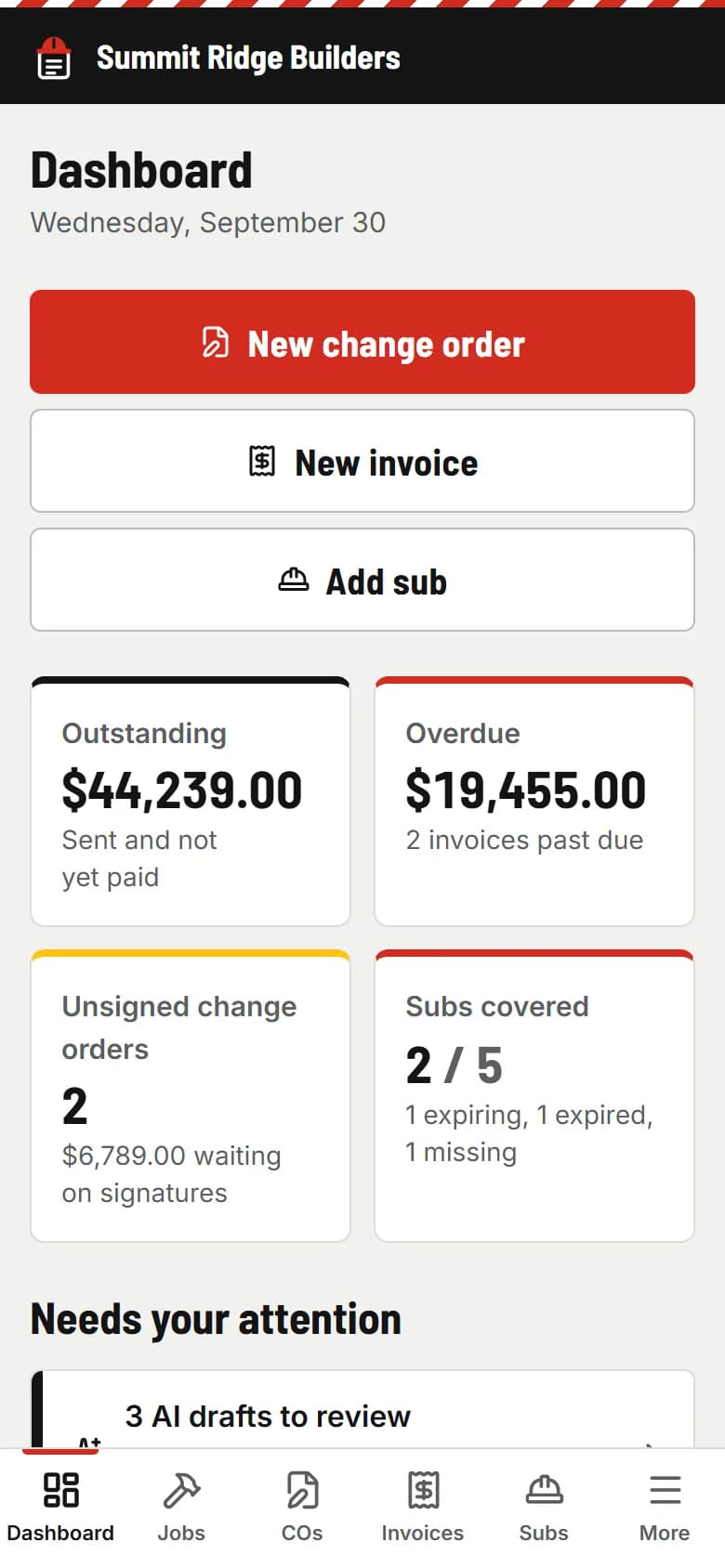
You open the dashboard before the first site. It shows what’s owed, what’s overdue, which change orders aren’t signed yet, and which subs need new paperwork. That’s the whole list.
Tear-off finds rotten fascia
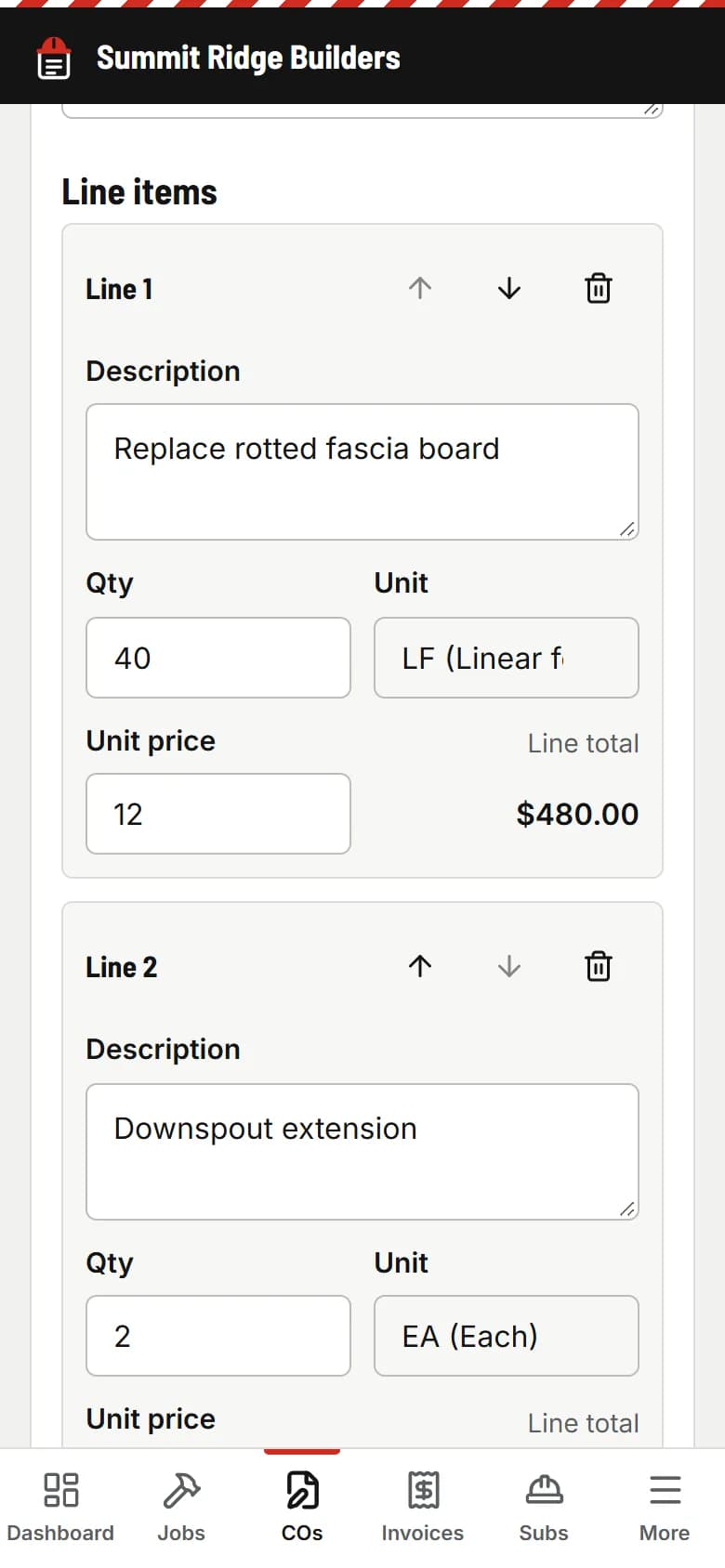
Forty feet of it. Before the crew touches it, you write the change order on your phone: the lines, the price, a photo, one extra day. Send.
Signed from the kitchen
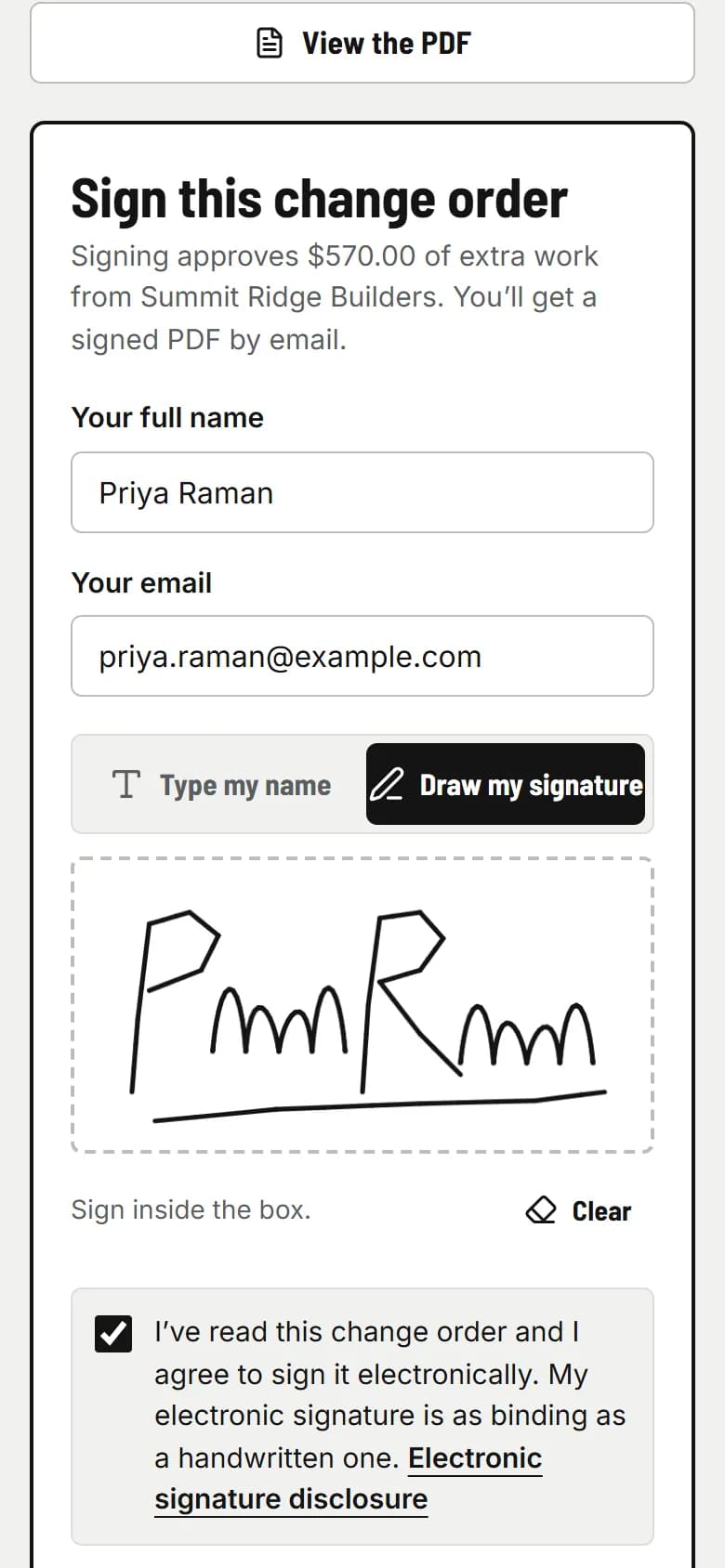
Your client gets the email, reads it on their phone and signs with a finger. The signed PDF lands in both inboxes, and the change goes onto the next invoice. The crew keeps working.
A sub renews his insurance
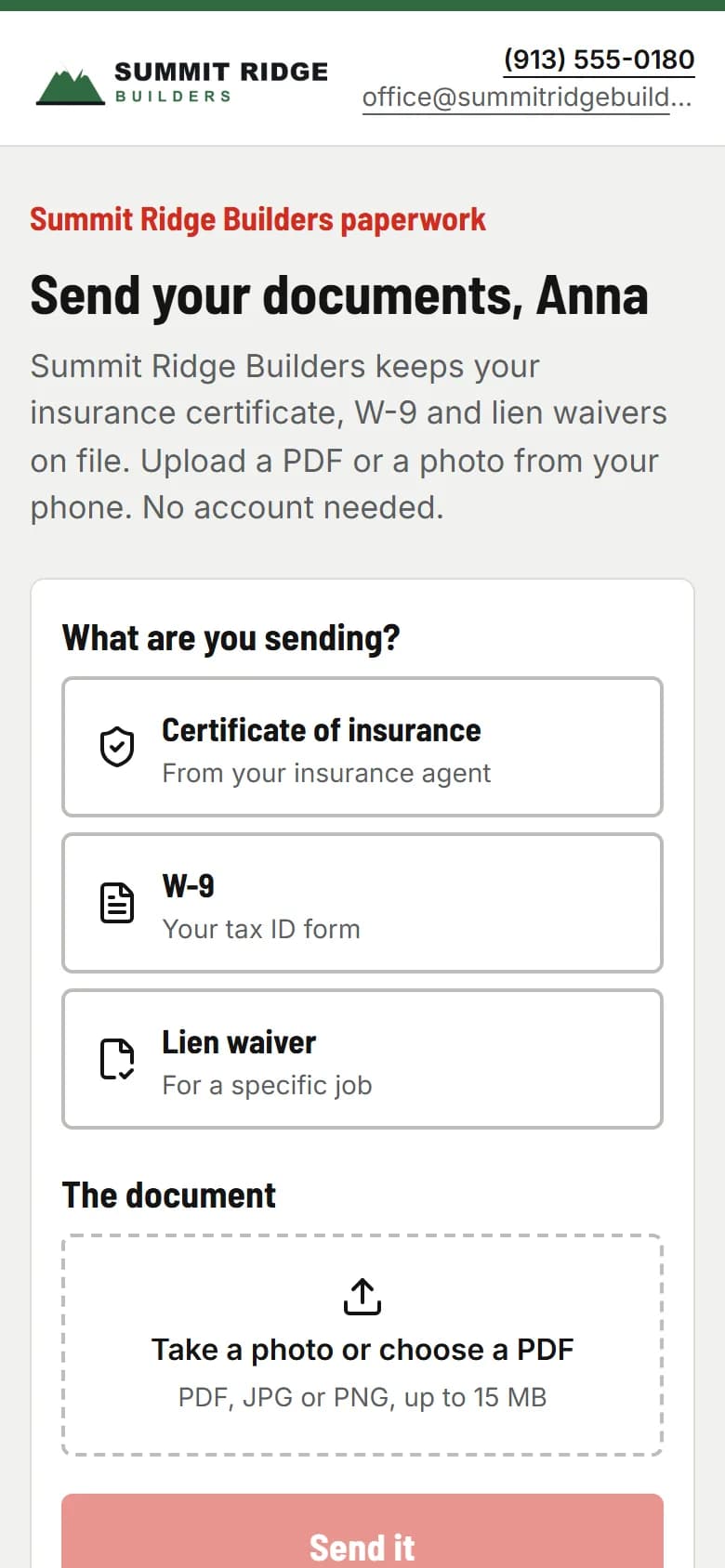
PaperForeman reminded your electrician 14 days before his certificate ran out. He uploads the new one from the supply-house parking lot. It reads the dates; you approve them between calls.
A client emails: “Can you add two outlets?”
You forward the email to your PaperForeman address. A change order draft is waiting in AI Assist with the job matched and the lines filled in. You check the price and send it.
usepaperforeman.com/ai-assist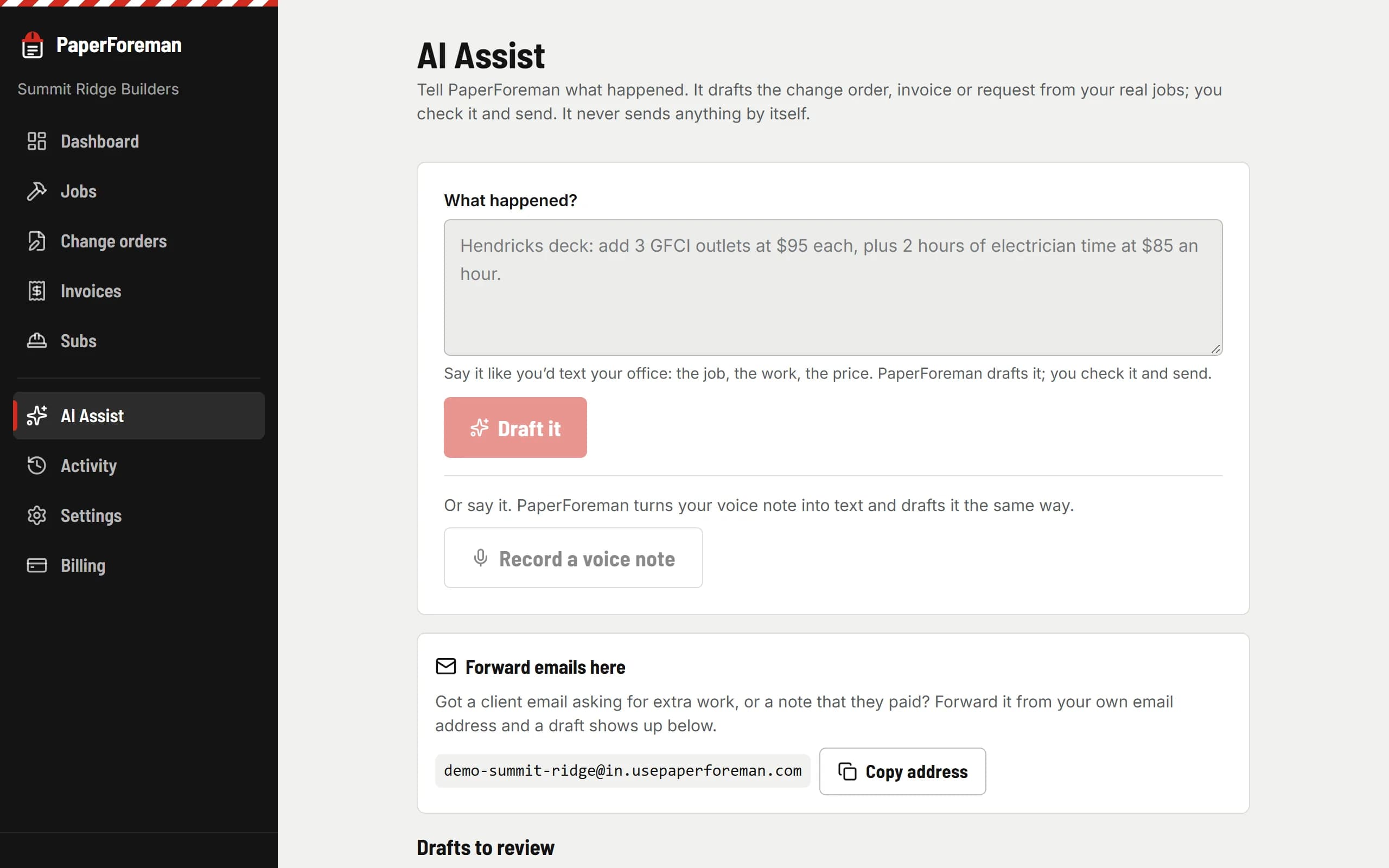
Framing’s done, so the invoice goes out
The progress invoice already has this morning’s signed change order on it as a checkbox. Due in 15 days, bank transfer or card. Send.
usepaperforeman.com/invoices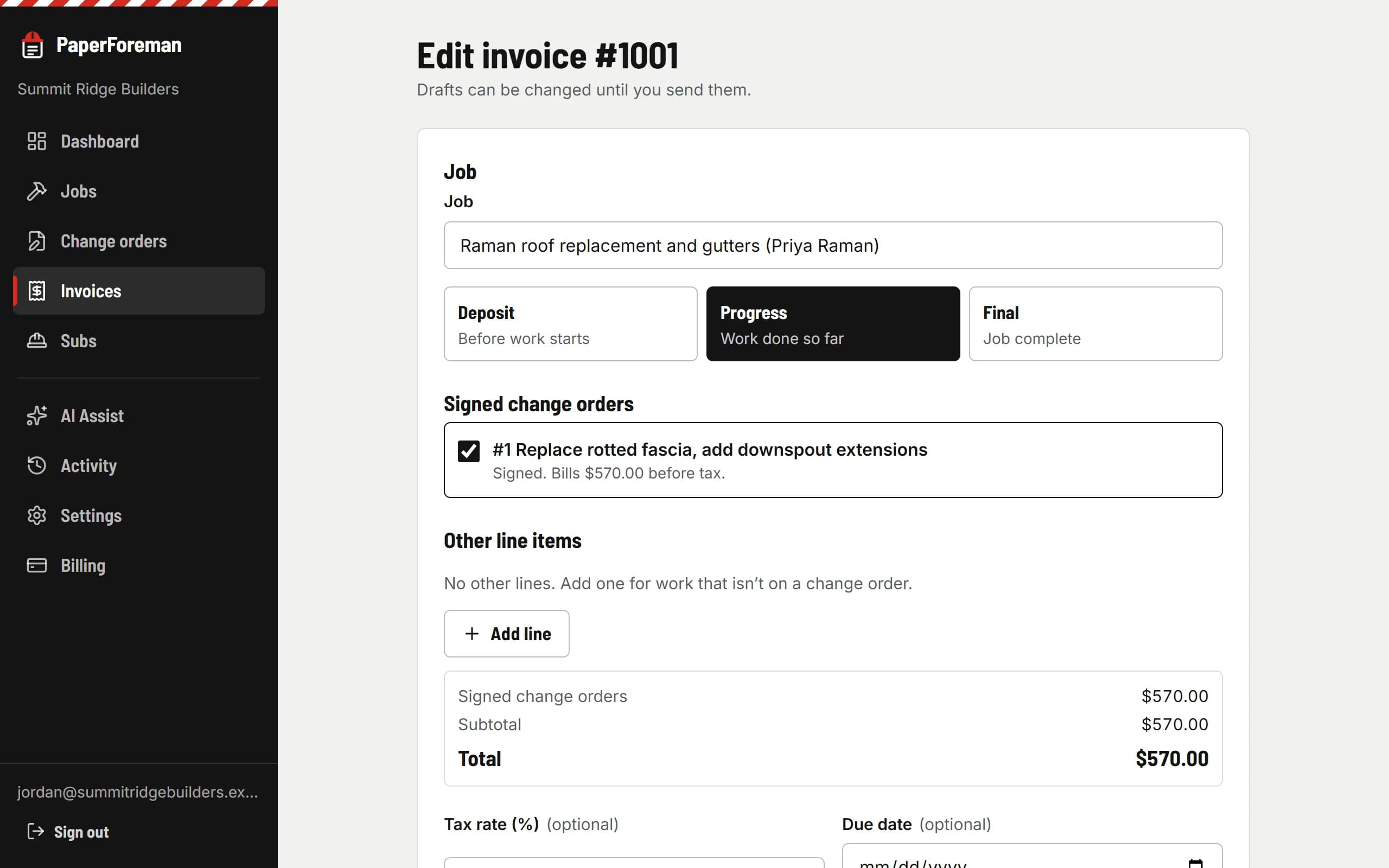
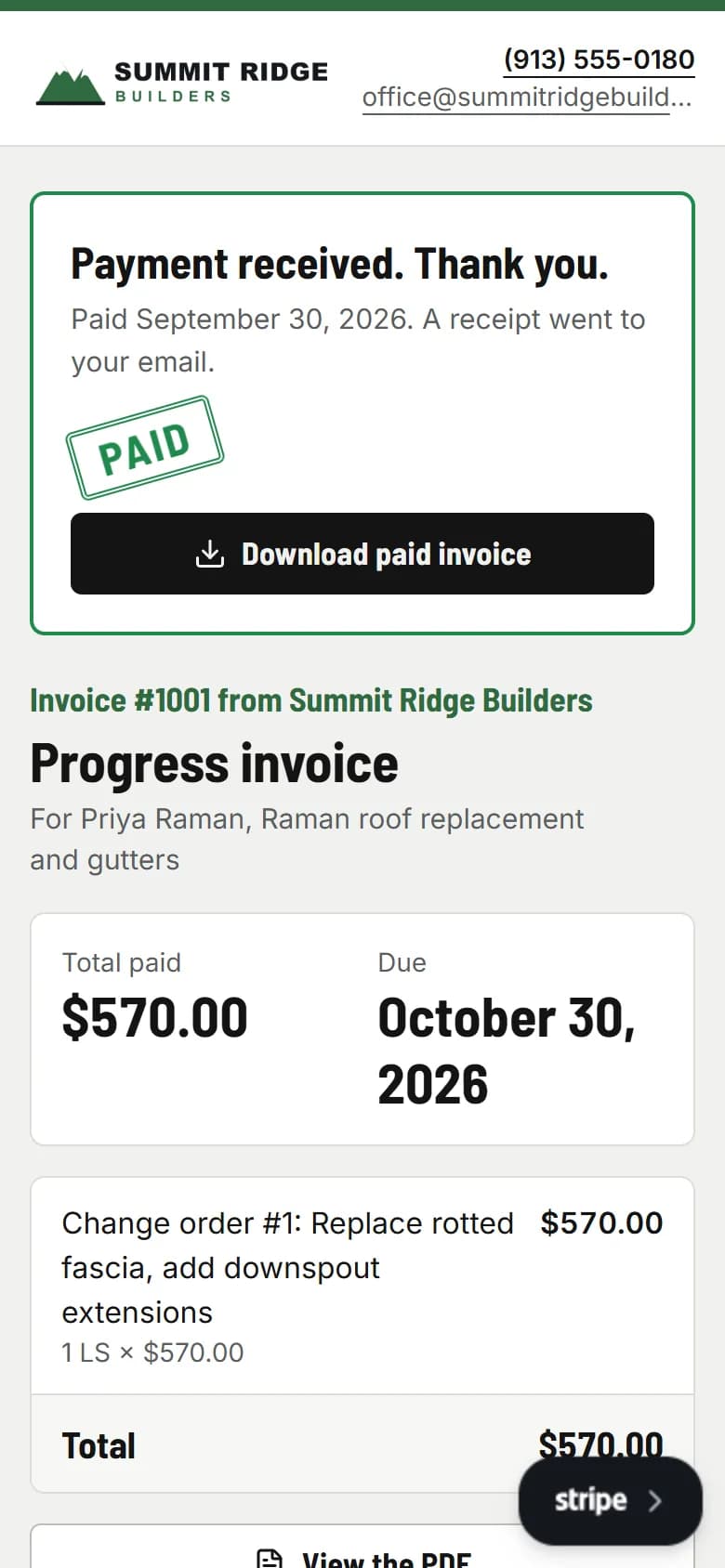
Last week’s invoice gets paid
The client pays by bank transfer. The invoice marks itself paid, a receipt goes out, and the reminder that was due tomorrow is canceled. You didn’t have to ask.
Home for dinner
Everything that happened today is in the activity log: who opened what, who signed, who paid, which reminders went out. Nothing is waiting for you tonight.
usepaperforeman.com/activity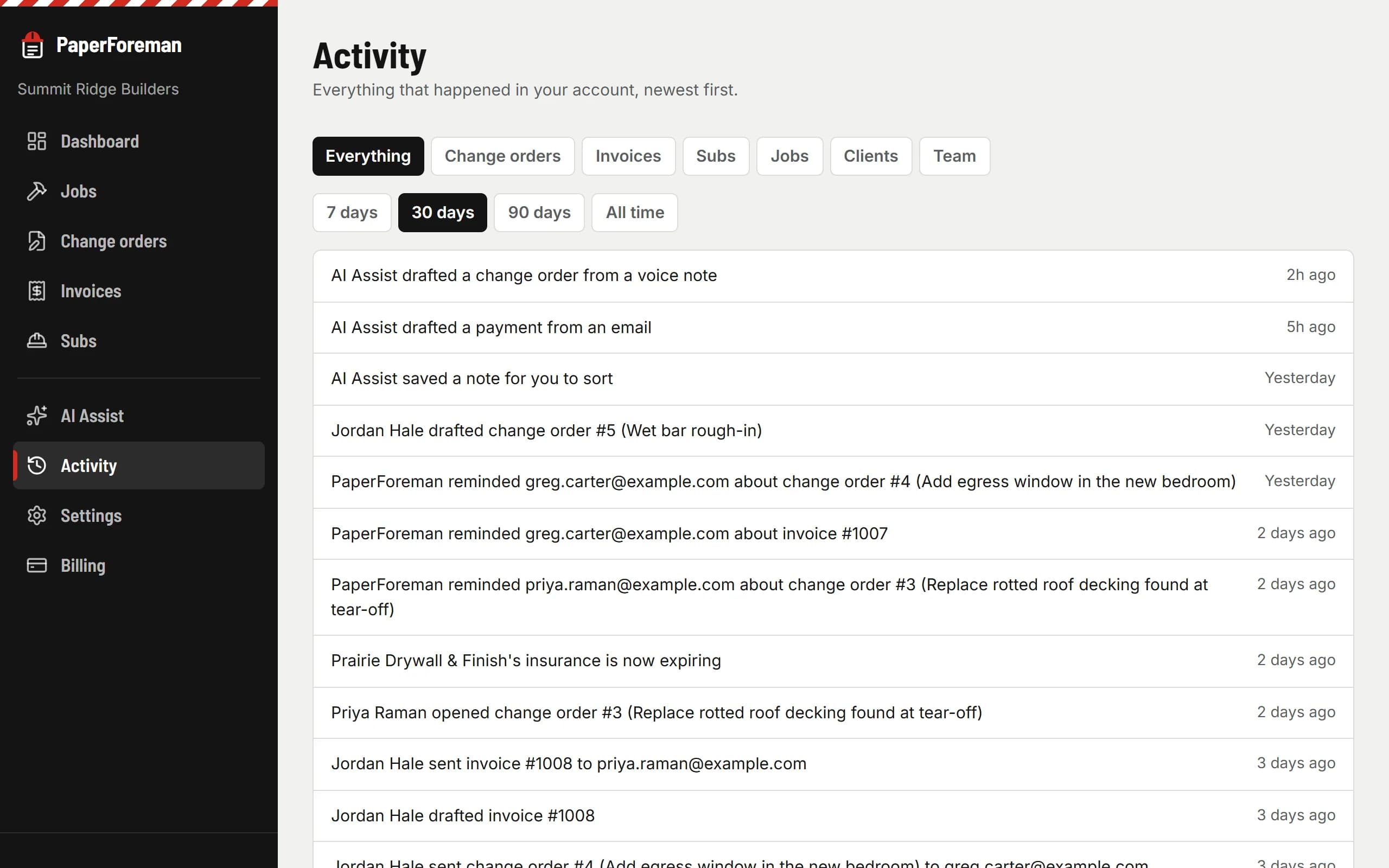
Make tomorrow look like that.
Try it free for 14 days. Set up takes about ten minutes, from your phone.
$149/month after the trial. Cancel anytime from Billing.