Get every change signed before you do the work.
Write the change order on your phone while you’re still standing in the room. Your client signs it on theirs. The signed PDF goes to both of you, and the money goes onto the next invoice.
Step by step
What you tap, what the other person sees, and what happens after.
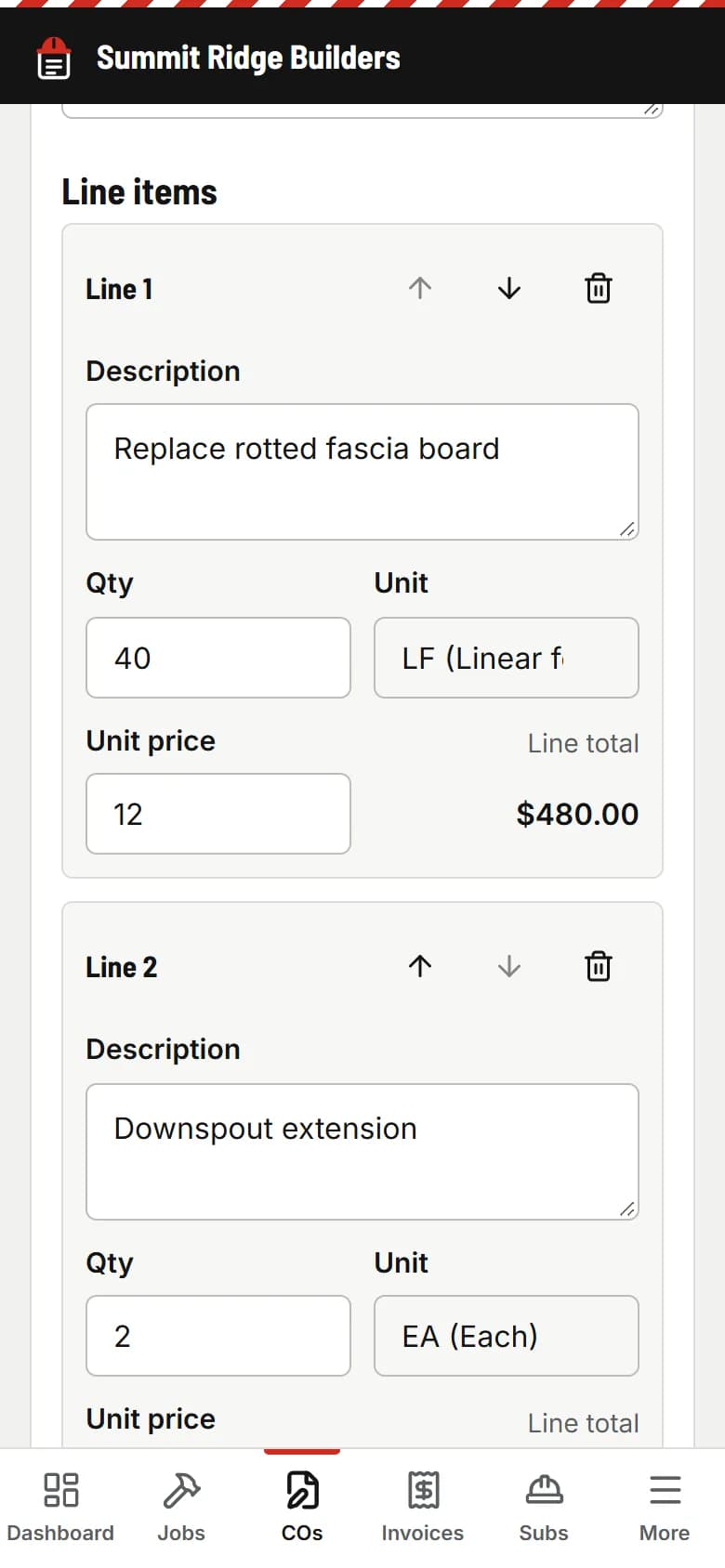
You
Write it in about a minute
Pick the job, give it a title, add lines with quantities and prices (LF, SF, each, hours or lump sum). Add a photo of what you found and how many days it adds.
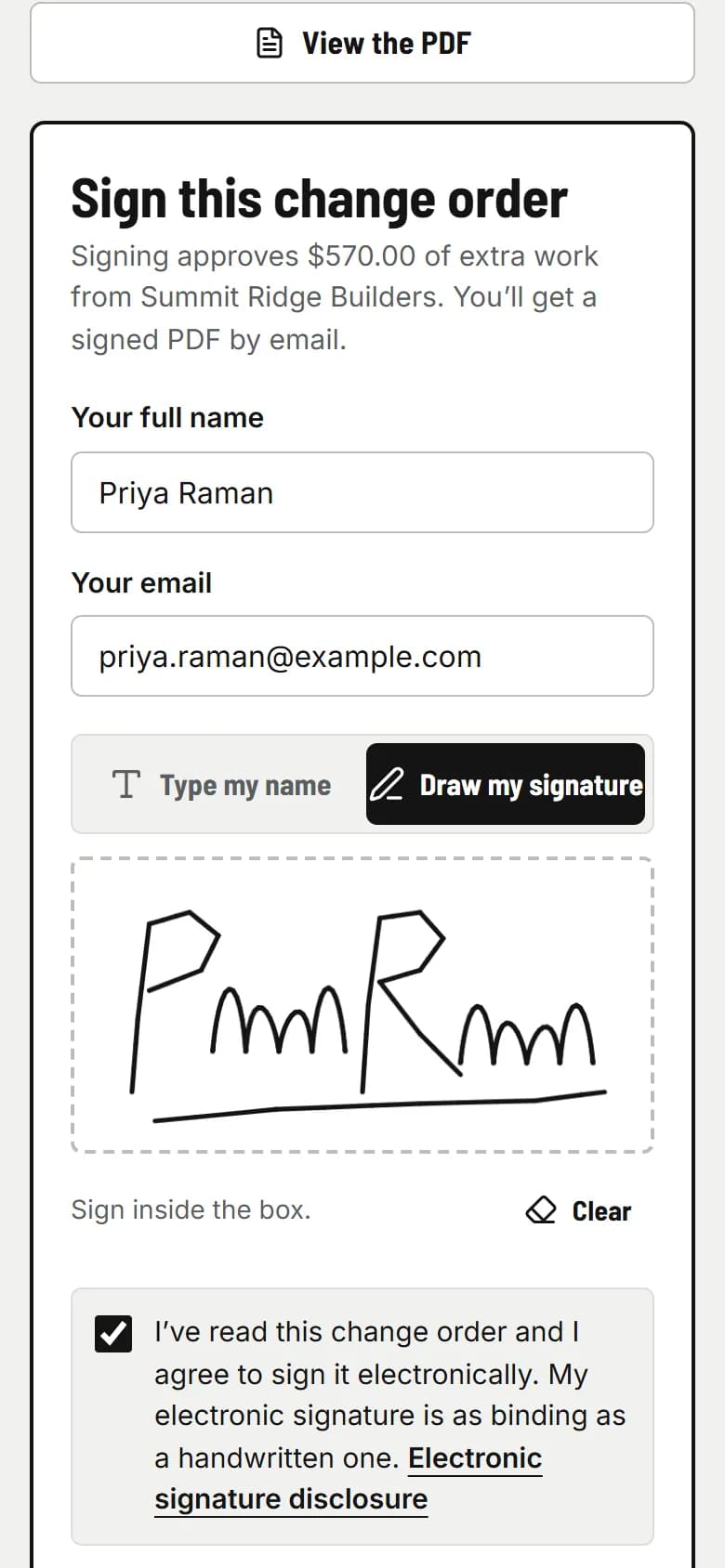
Your client
They read it and sign with a finger
They get an email from your company with one link. No app, no account. They see the lines, the total and your terms, check the e-signature consent box, and sign. Or decline and tell you why.
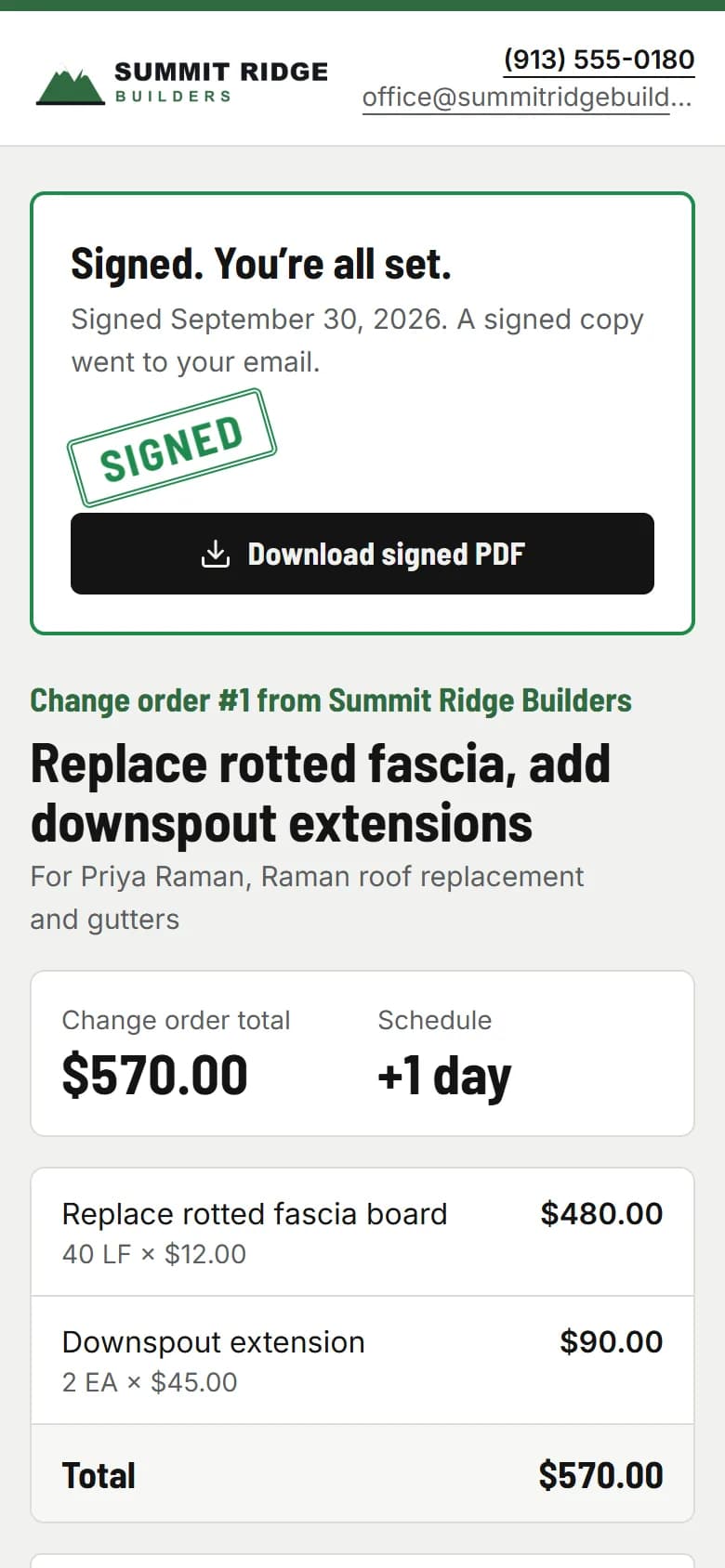
PaperForeman
The signed copy is sealed and filed
The signature is stamped onto the PDF with a certificate: who signed, when, from what device, and a SHA-256 fingerprint of the document. Both of you get it by email.
- usepaperforeman.com/invoices
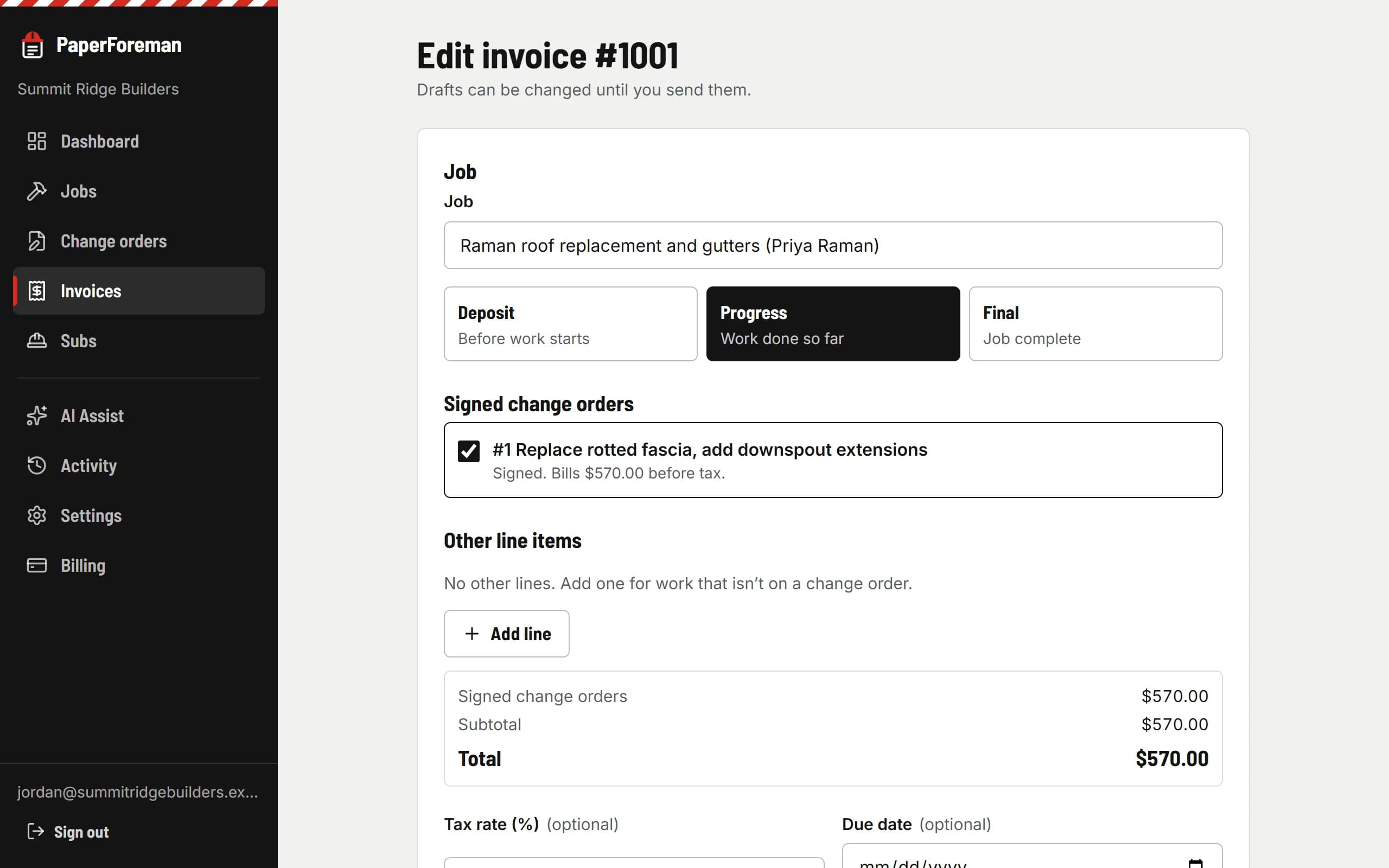
PaperForeman
It lands on the next invoice
The signed change order is added to the job’s next draft invoice, so extra work never gets forgotten at billing time.
Why it holds up
An e-signature counts like a handwritten one for most business paperwork under the federal ESIGN Act and your state’s UETA. PaperForeman records the consent, the signer and the time, and seals the PDF so any change after signing shows. It’s not legal advice: have your attorney look over your change order terms.
Then it chases
If the client hasn’t signed, they get a polite reminder. You don’t have to bring it up at the job site.
Change orders
Your client gets a reminder 2 and 5 days after you send it.
- Reminder: Day 2
- Reminder: Day 5
Stops the moment they sign or decline.
See the real thing
A signed change order from the demo company, exactly as your client and you receive it: line items, terms, the signature, and the signature certificate on the last page.
Sample signed change order (PDF)Stop doing extra work on a handshake.
Try it free for 14 days. Set up takes about ten minutes, from your phone.
$149/month after the trial. Cancel anytime from Billing.