Price it on your phone. They approve on theirs.
Write the estimate standing in the driveway: lines, quantities, prices, tax, and how long the price is good. Your client approves it from an email link with a finger. The approved amount becomes the job’s contract, and the deposit invoice is one tap away.
Step by step
What you tap, what the other person sees, and what happens after.
You
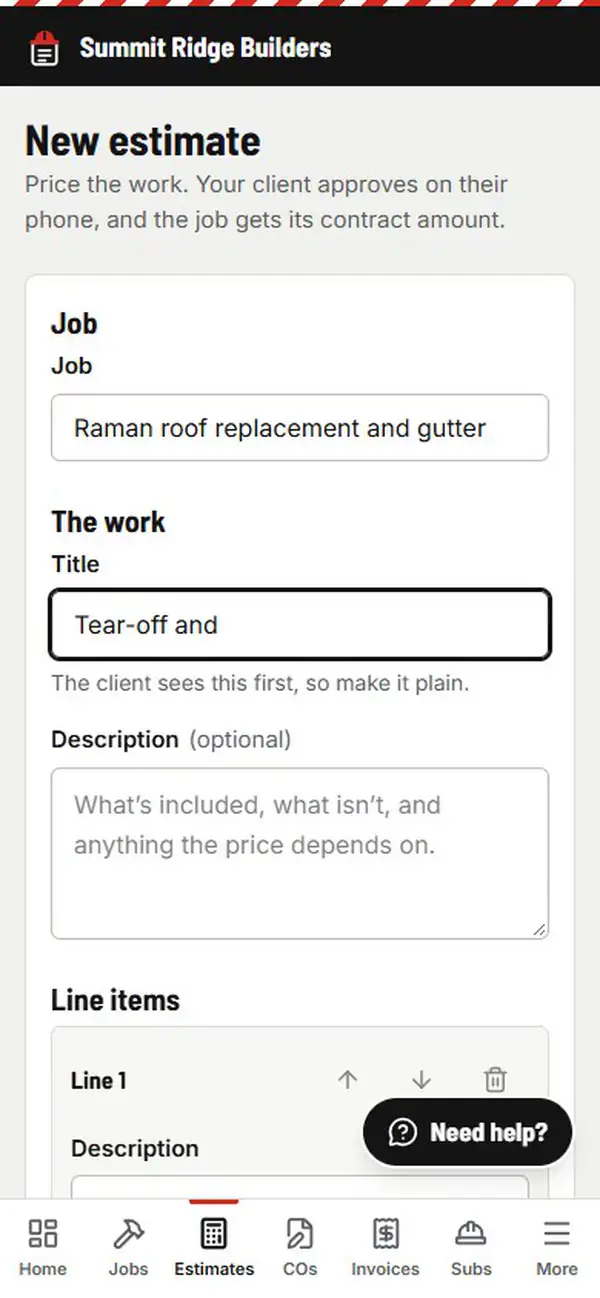
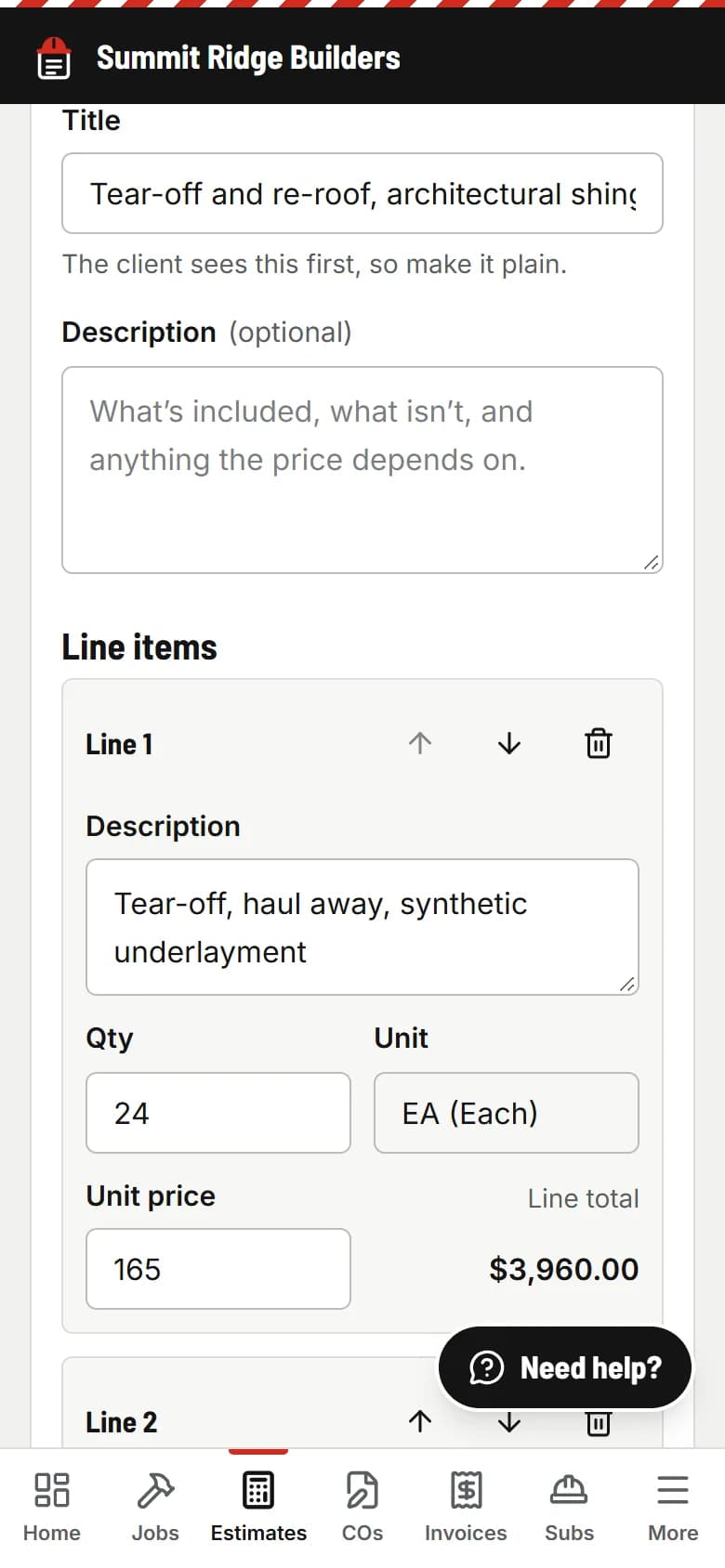
Write it in about a minute
Pick the job (or add the client and job right there), give it a title, add lines with quantities and prices (LF, SF, each, hours or lump sum), tax, and the date the price is good until. Or say it into AI Assist and check the draft. Save and see the real PDF.
Your client
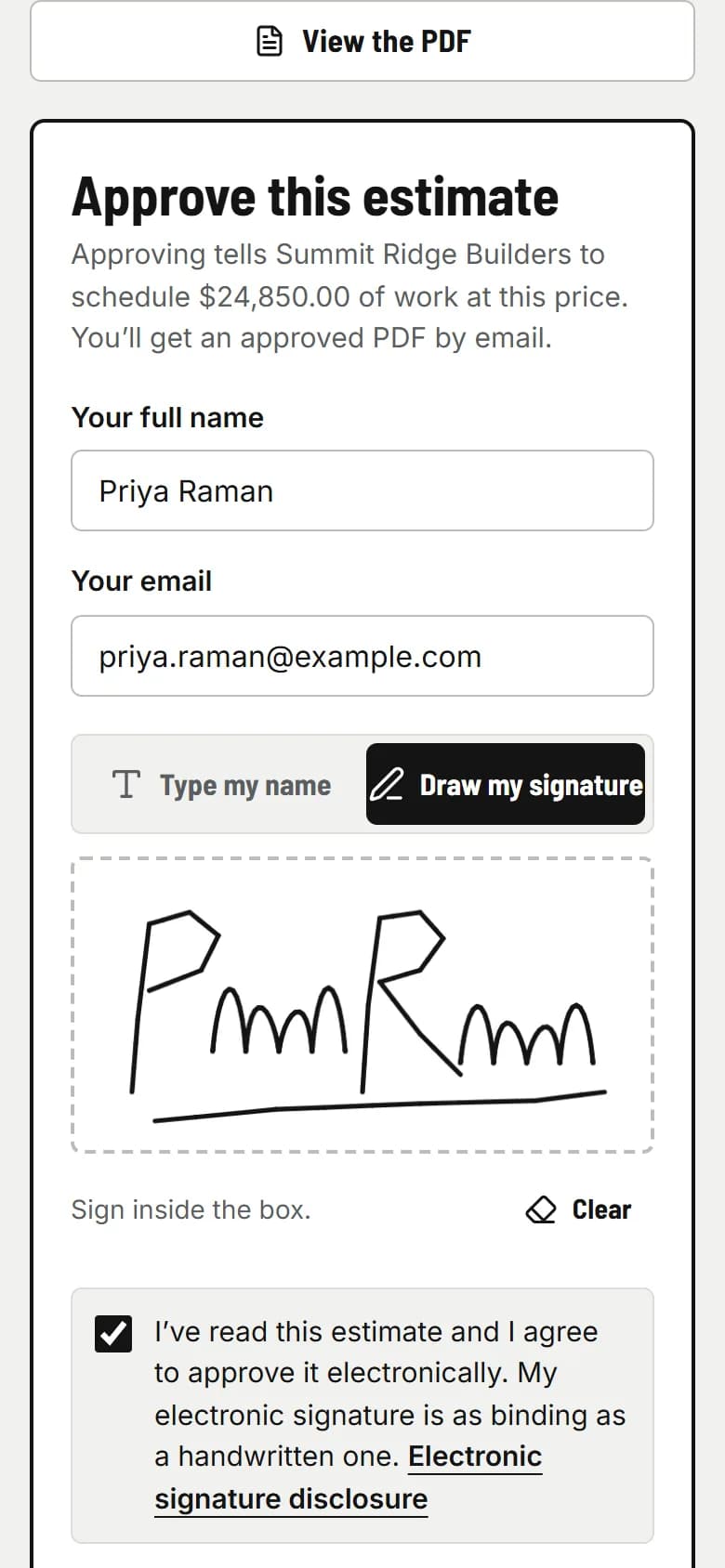
They read it and approve with a finger
They get an email from your company with one link. No app, no account. They see the lines, the total and your terms, check the box, and approve. Or decline and tell you why.
PaperForeman
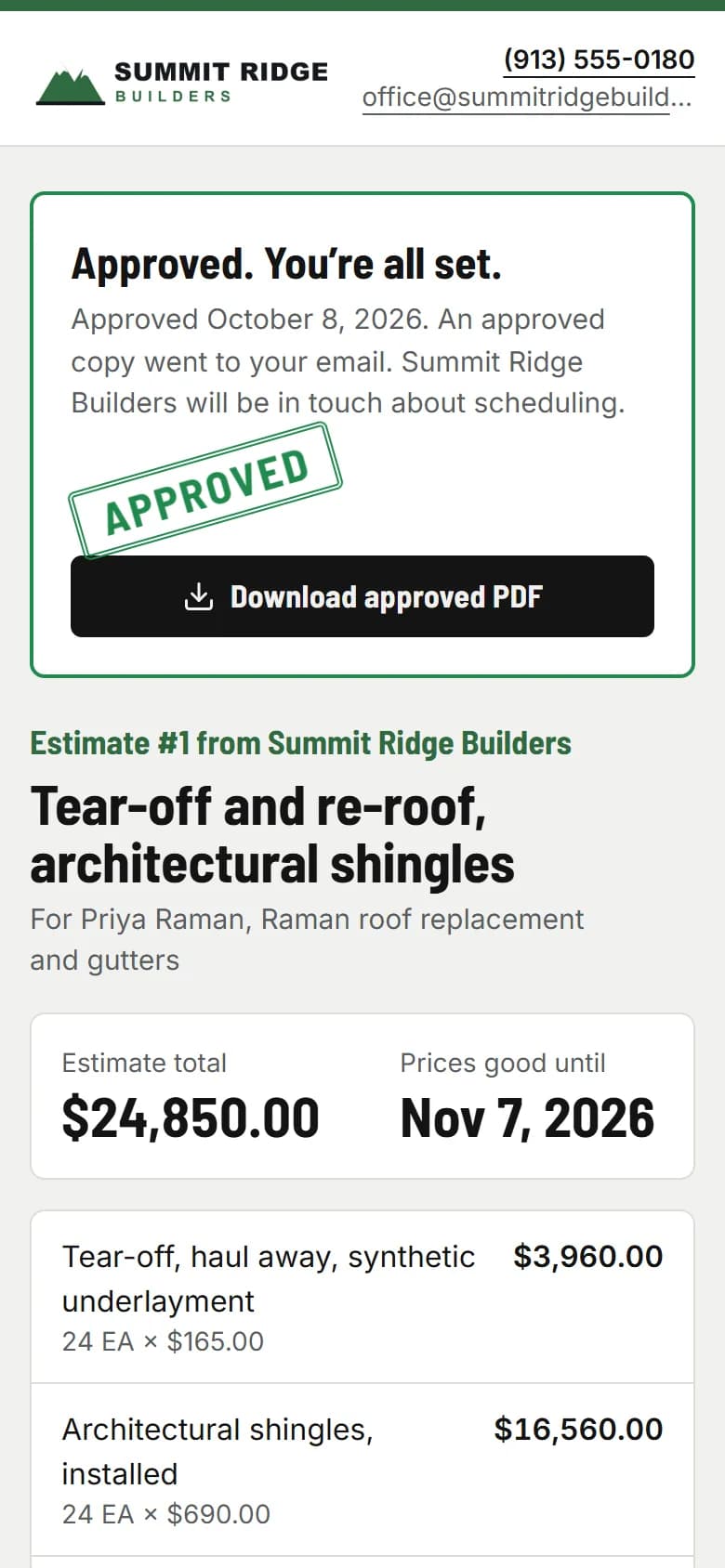
The approved copy is sealed, and the job is priced
The approval is stamped onto the PDF with a certificate: who approved, when, from what device, and a SHA-256 fingerprint. Both of you get it by email. The job’s contract amount is set from it, so your deposit and progress invoices start from the right number.
What it doesn’t do
PaperForeman doesn’t do takeoffs or price your materials. You bring the numbers, from your head, your spreadsheet or your supplier. It turns them into a clean estimate, gets it approved, and carries the amount into the job, the change orders and the invoices.
Then it chases
If the client hasn’t answered, they get a polite reminder. You don’t have to call and ask if they got the bid.
Estimates and change orders
Your client gets a reminder 2 and 5 days after you send it.
- Reminder: Day 2
- Reminder: Day 5
Stops the moment they approve, sign or decline.
See the real thing
An approved estimate from the demo company, exactly as your client and you receive it: line items, the good-until date, terms, and the approval certificate on the last page.
Sample approved estimate (PDF)Stop asking “did you get my bid?”
Try it free for 14 days. Set up takes about ten minutes, from your phone.
Try it free. No card until you send your first document. $149/month after the trial. Cancel anytime from Billing.