Know your numbers
Let it do the busywork. You OK what matters.
Automations take the next step for you: the thank-you email, the follow-up, the heads-up to the office. The assistant does what you ask in plain words and shows you a draft before anything is saved.

Step by step
What you tap, what the other person sees, and what happens after.
- usepaperforeman.com/today
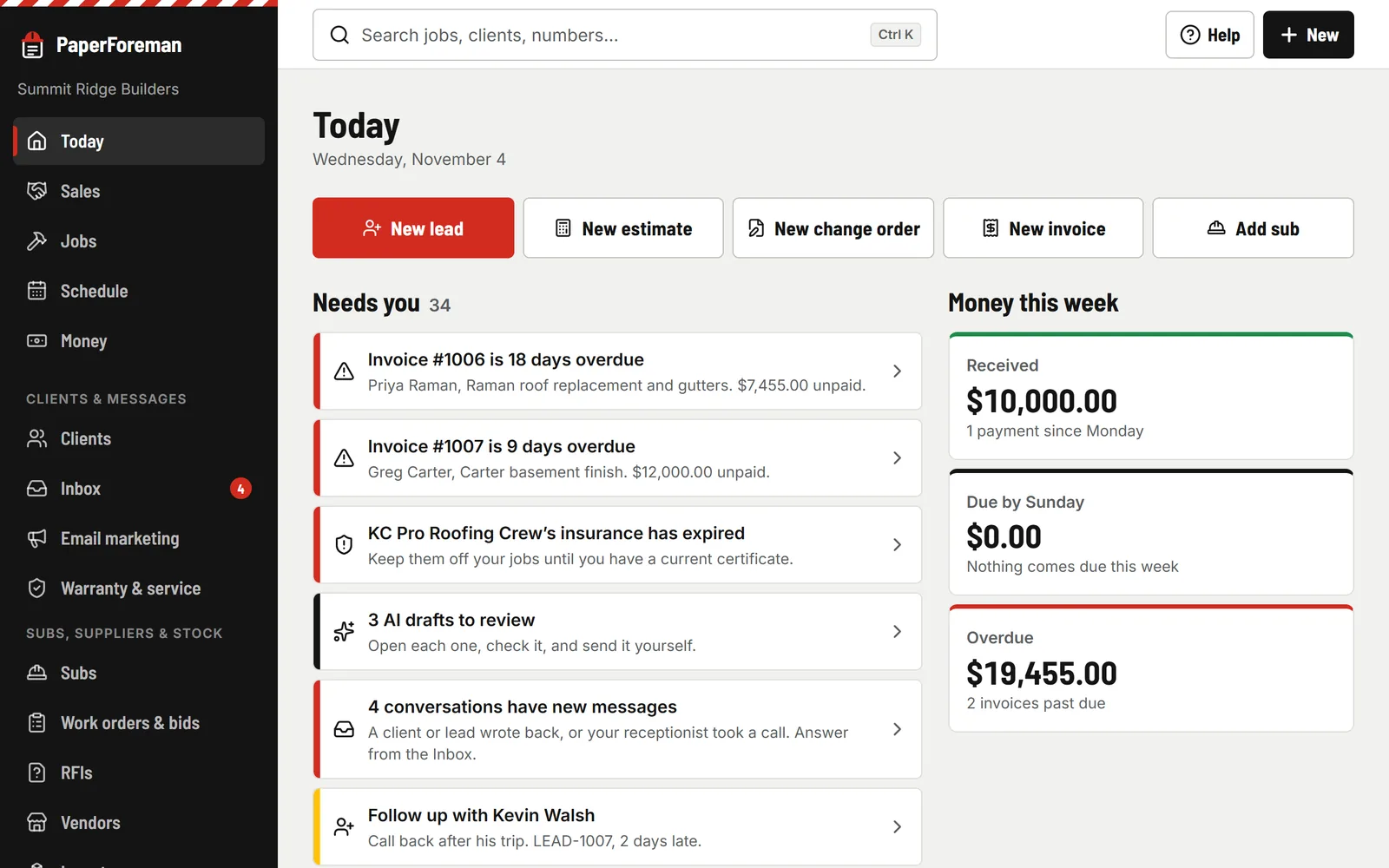
You
When this happens, do that
Pick the trigger (a new lead, an estimate opened, a job moving stage, an invoice due…), add an “only if”, and pick what it does: an email from your templates, a to-do, a stage change, a draft invoice. It reads back in one sentence. “Test it” shows what it would do first, and the to-dos it makes show up on Today.
You
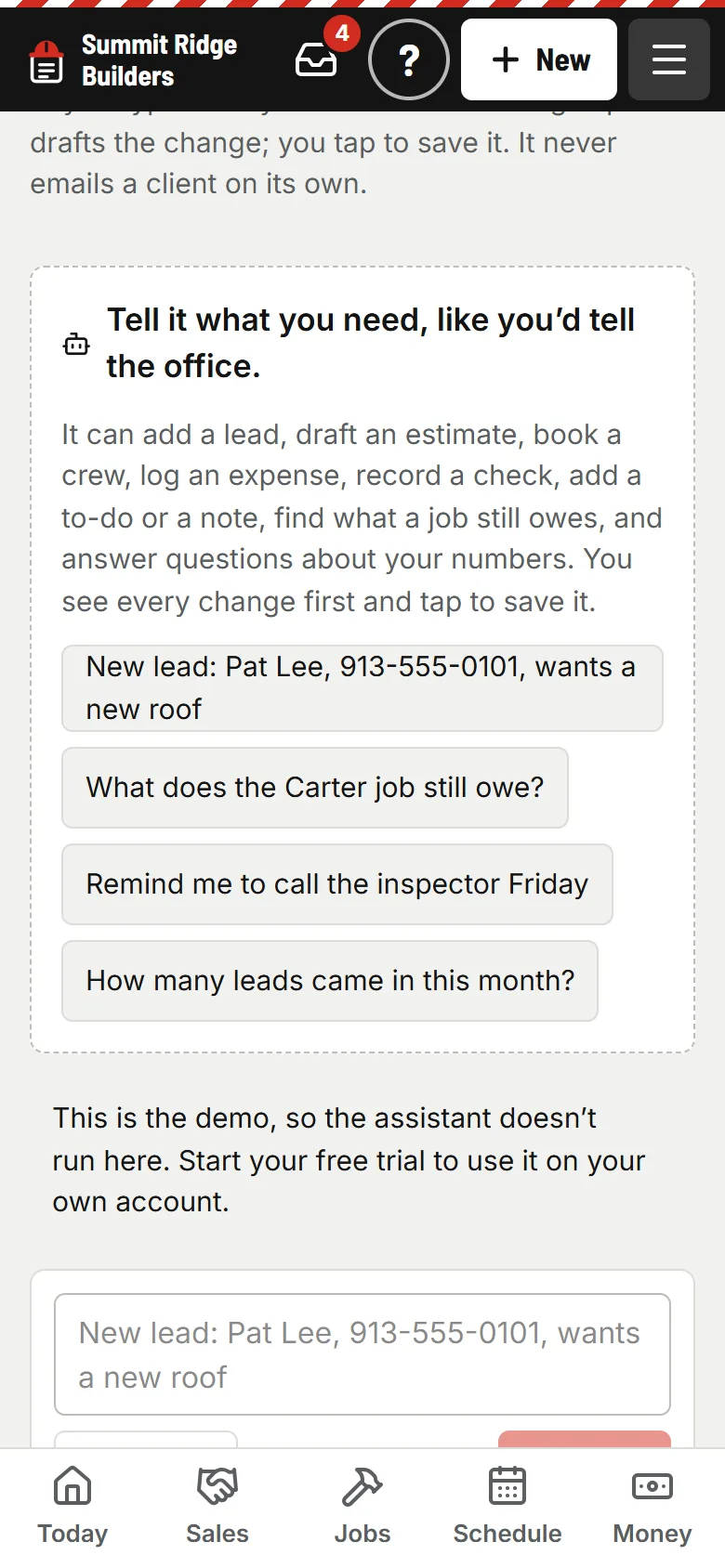
Ask the assistant
“Add a lead for Sam Patel, deck, 913-555-0144.” “What does the Carter job still owe?” It finds things and drafts them, and every change is a card you tap to OK. It never emails a client on its own.
You
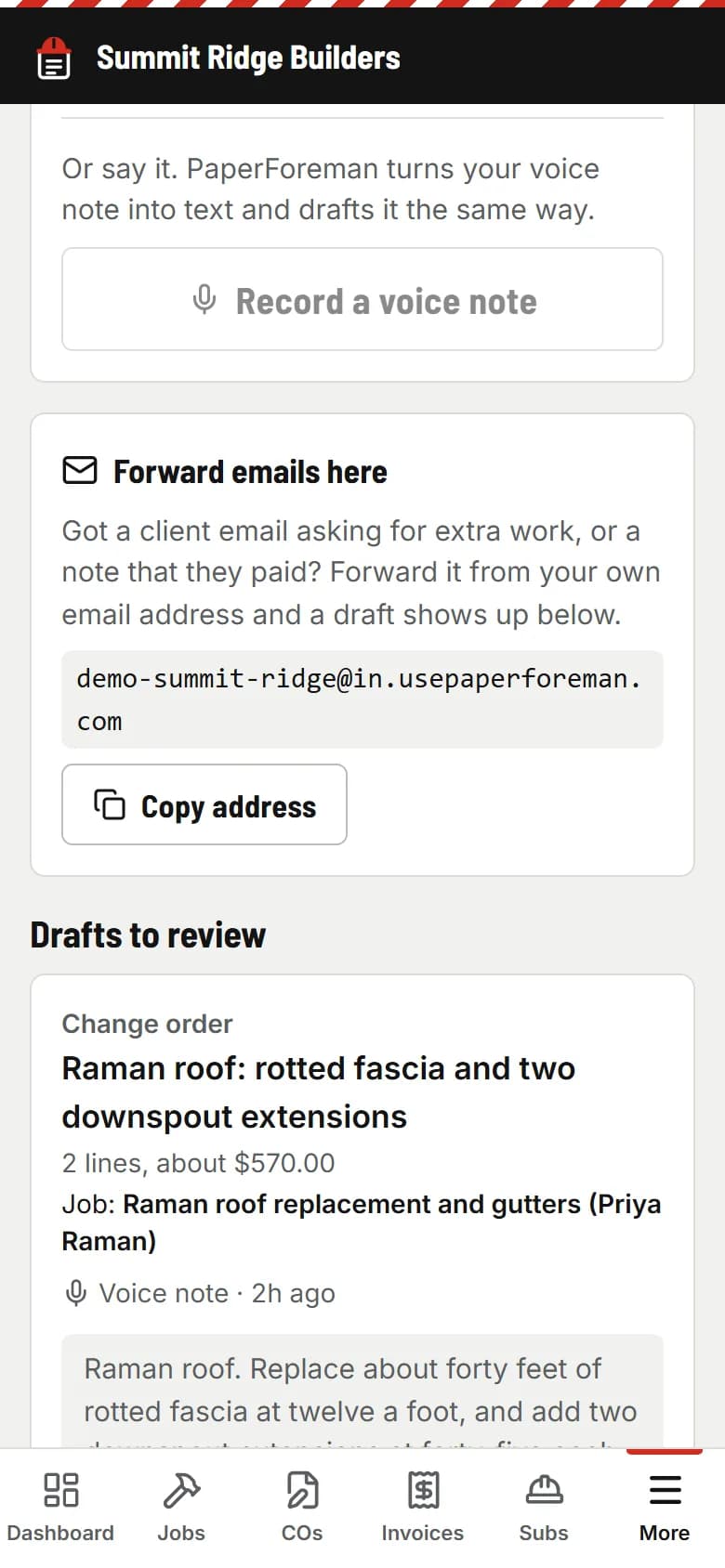
Or just tell PaperForeman
Type a note or forward an email. It becomes a draft change order, invoice or estimate with the job matched, waiting for you to check it and send it.


Ready-made for your trade
Turn one on with a tap. Every one has a daily limit and a run log, and they can’t set each other off in a loop.
- Thank new leads right away
- Don’t let a new lead sit
- Call when they open the estimate
- Follow up on estimates after 3 days
- Thank them when they approve
- Tell them the day before you start
- Remind them the day before it’s due
- Tell the office when an invoice is late
- Remind leads of their visit
- Check back on lost leads
Hook up the rest
A public API and signed webhooks for Zapier, Make or your own code: leads, clients, jobs, estimates, invoices, payments and the schedule. Keys are made by the owner in Settings → API & webhooks.
Stop being the reminder for everyone.
Try it free for 14 days. Set up takes about ten minutes, from your phone.
Try it free. No card until you send your first document. Plans from $149/month after the trial. Cancel anytime from Billing.