Run the job
One link for your client. No password.
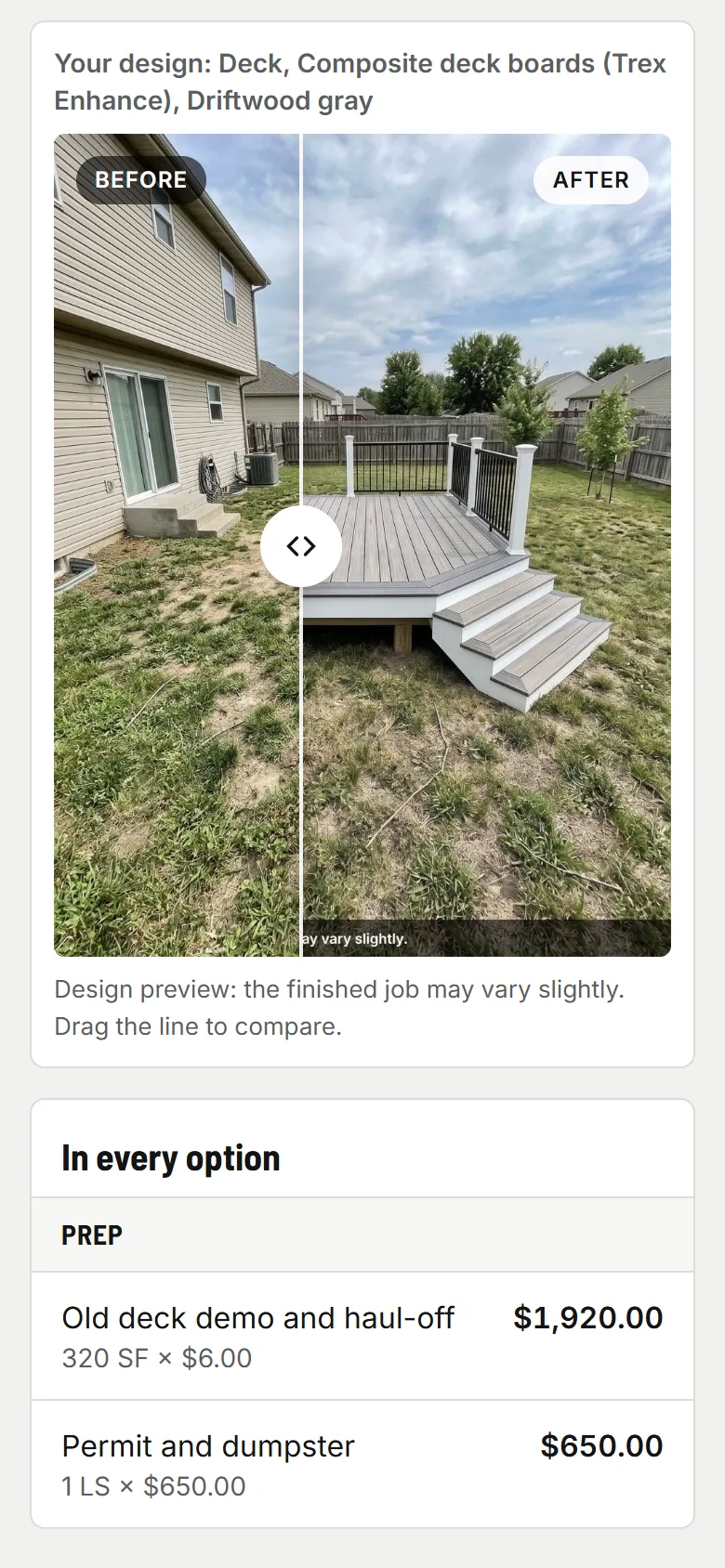
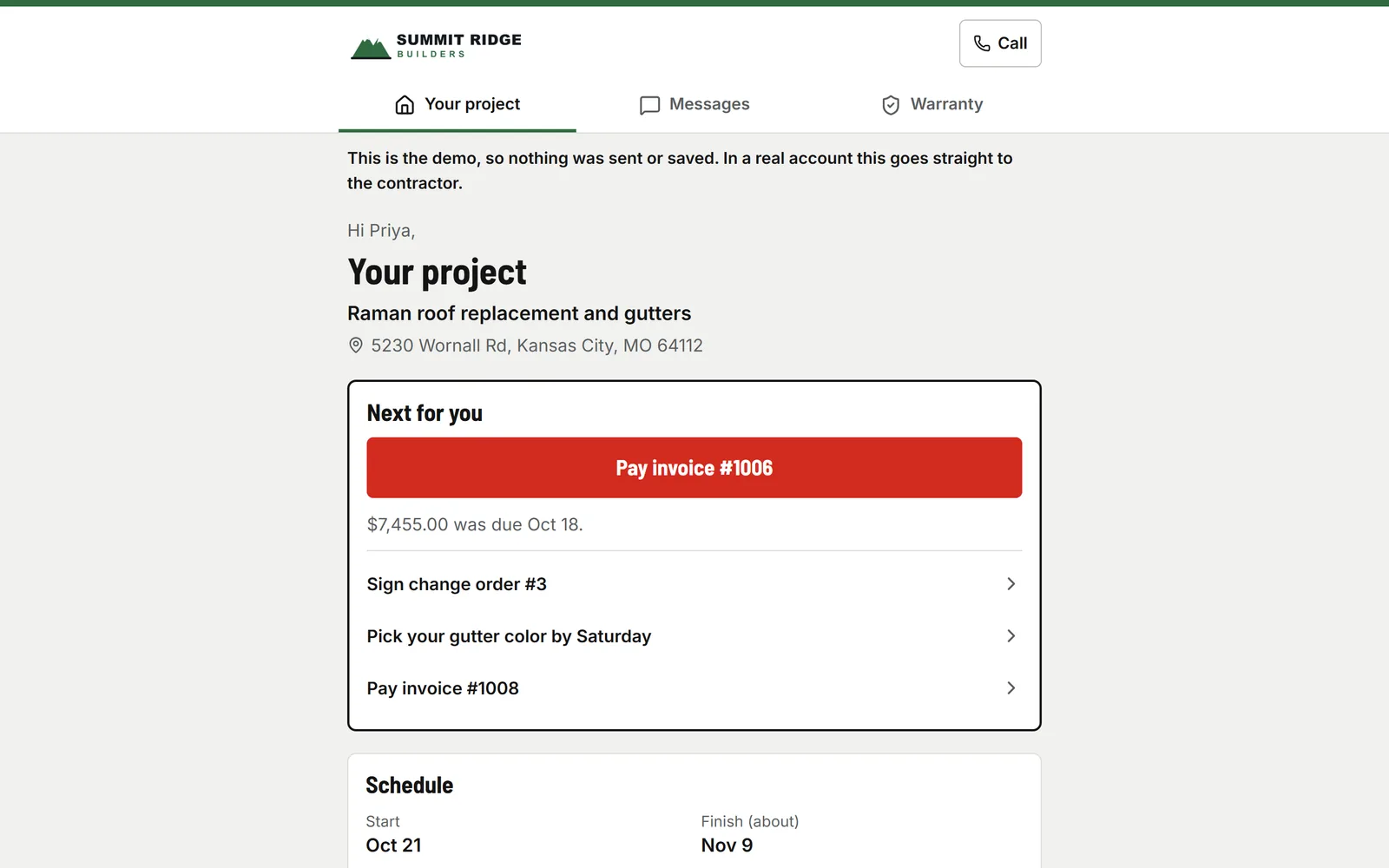
Your client opens one link and sees their project: the next thing they need to do, the schedule, the photos you chose to show, their paperwork and payments, the picks they owe you, and a way to message you. After the job, the same link handles warranty.

Step by step
What you tap, what the other person sees, and what happens after.
Your client
Their next step, then sign or pay
One red button on top: a late invoice, a change order to sign, a pick due this week. Signing and paying open the same pages your emails link to, with your logo, your colors and your phone number.
- usepaperforeman.com/p/…
Your client
The whole project in one place
The schedule (no crew names, no prices), photos you marked to show, every estimate, change order and invoice, the designs you sent, their choices and messages. Their messages land in your Inbox.
- usepaperforeman.com/service
You
Warranty and service
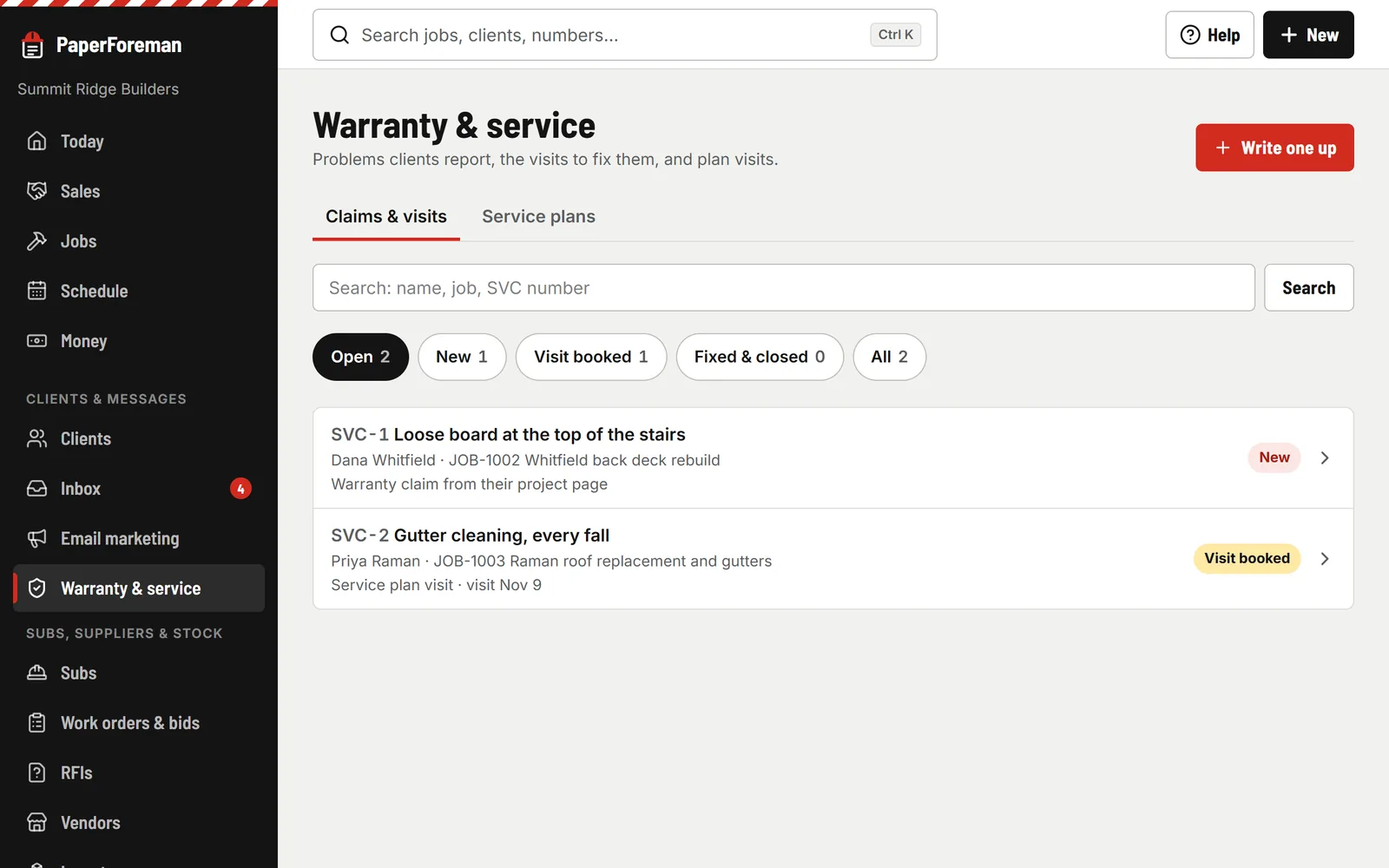
“Something wrong?” in the portal becomes a service ticket on the original job, with their photos. Book the visit on the crew calendar, mark it fixed. Service plans book the next visit and draft the invoice on their own.


Before, during and after the job
Selections and allowances
Set the allowance and the choices with photos and prices. When they pick one over or under, the change order for the difference is drafted for you to send.
Update emails, if you want them
Turn on one email a day, after 5 PM and only when something changed: a step done, a schedule change, new photos you chose to show.
Reviews and referrals
When a job is done, the thank-you email asks for a Google review (same link for everyone) and gives them their own referral link. Referrals land as leads.
What was installed
Brand, color, model, serial and dates on the client and the job. Search by serial when they call about it in five years.
Run the job
Also in run the job
- Schedule & crew app Crews on a calendar. Clock-in, photos and logs from their phones.
- Subs & insurance Insurance, W-9s, lien waivers, work orders and bids.
- Materials & permits Purchase orders, deliveries, permits, inspections and RFIs.
- Inventory What’s on each truck, in the shop and in the yard.
Fewer “where are we at?” calls.
Try it free for 14 days. Set up takes about ten minutes, from your phone.
Try it free. No card until you send your first document. Plans from $149/month after the trial. Cancel anytime from Billing.