Run the job
Know what’s on the truck.
The shop, every truck and the yard, and how many of each thing is where. The crew takes something off the truck for a job and the job gets the cost. When something runs low, the order is one tap.

Step by step
What you tap, what the other person sees, and what happens after.
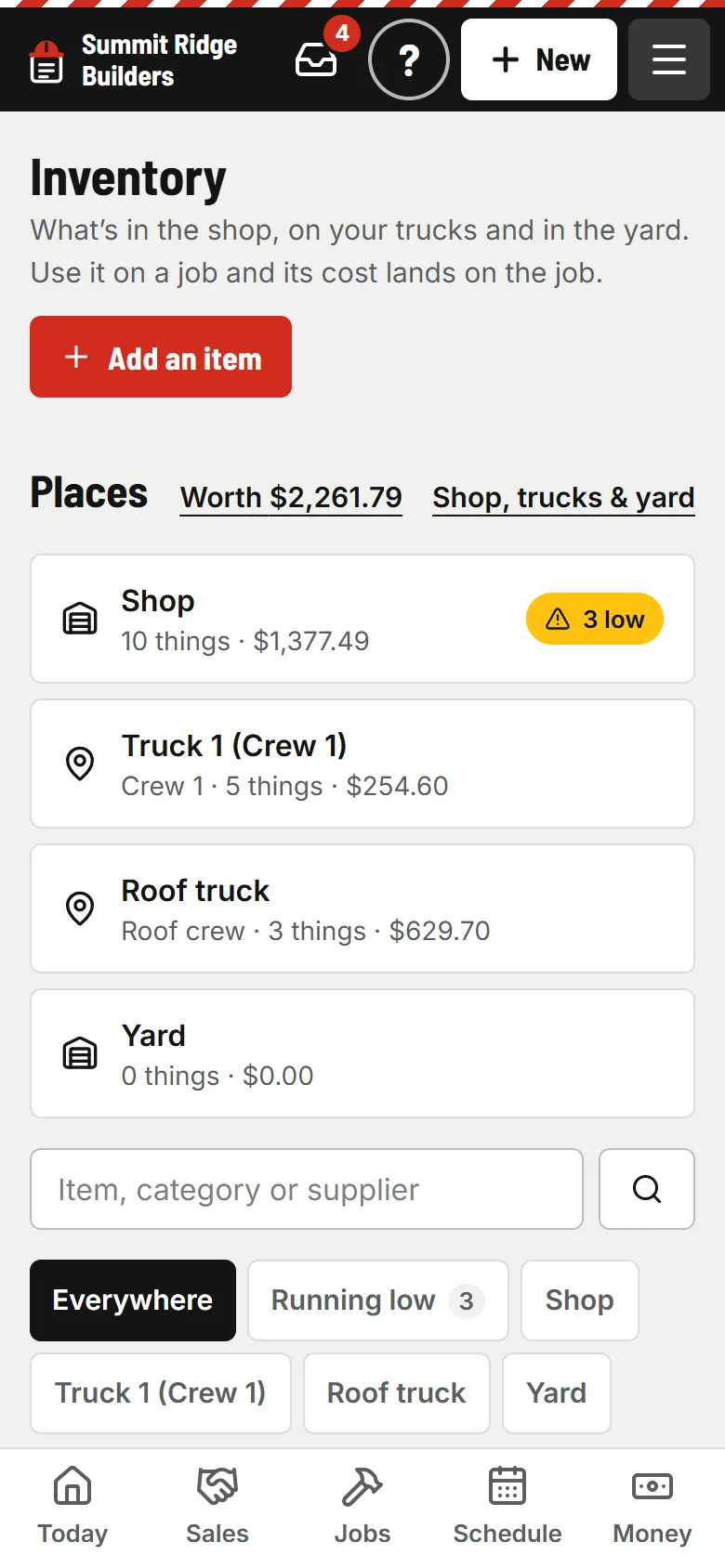
You
Add the things you always carry
What it is (from your price list), where it is, and how many. The form clears for the next one, so the ten things on every truck take a few minutes.
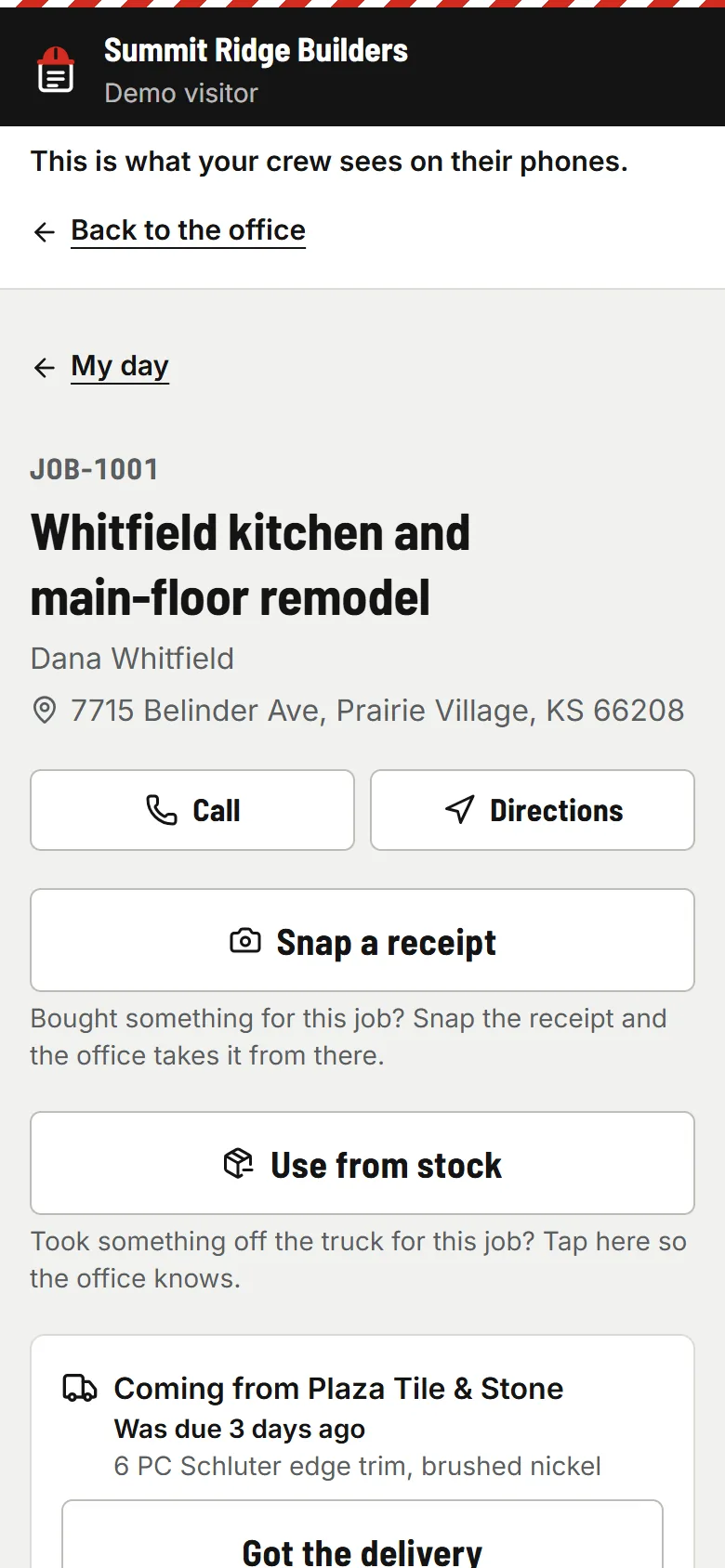
Your crew
“Use from stock” on the job
Two taps on the job screen. It works with no signal and counts once, however many times the phone retries. They see how many, never what it cost.
- usepaperforeman.com/purchase-orders
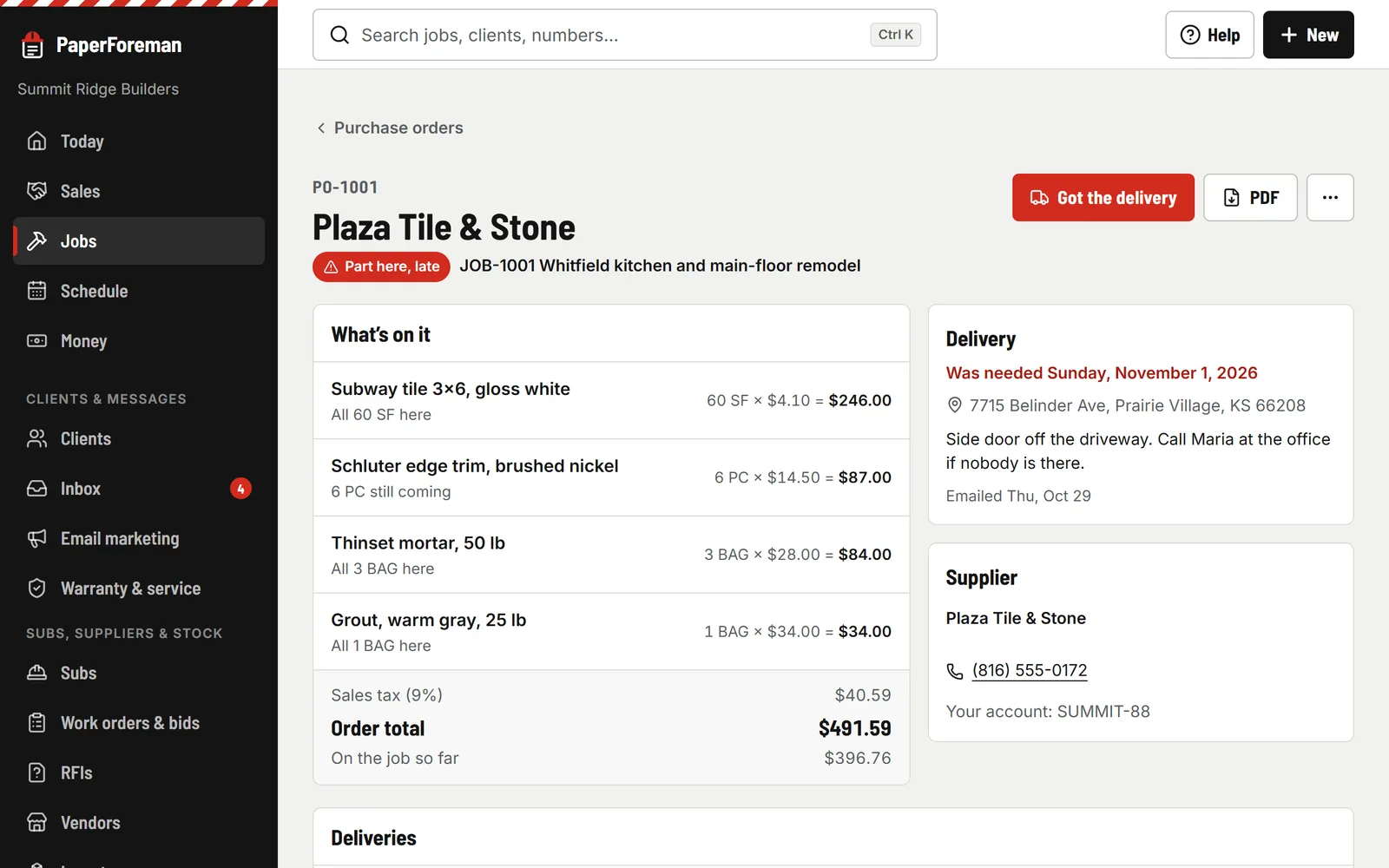
PaperForeman
Running low? Order more
Set a “keep at least” for each place. Below it, Today tells you, and “Order more” drafts a purchase order to the usual supplier.


Counts, moves and what it’s worth
Load the truck
Move several things at once from the shop to a truck, or back. The crew can load and unload their own truck from their phone.
Count it
Books against counted, with big plus and minus buttons and a reason for anything off. Undo puts the old numbers back.
What it’s worth
The value of what you hold, by place, worked out from what you paid. Download it as a spreadsheet.
Run the job
Also in run the job
- Schedule & crew app Crews on a calendar. Clock-in, photos and logs from their phones.
- Subs & insurance Insurance, W-9s, lien waivers, work orders and bids.
- Materials & permits Purchase orders, deliveries, permits, inspections and RFIs.
- Client portal & warranty One link for the client. Warranty claims and service plans.
Stop buying what’s already on the truck.
Try it free for 14 days. Set up takes about ten minutes, from your phone.
Try it free. No card until you send your first document. Plans from $149/month after the trial. Cancel anytime from Billing.